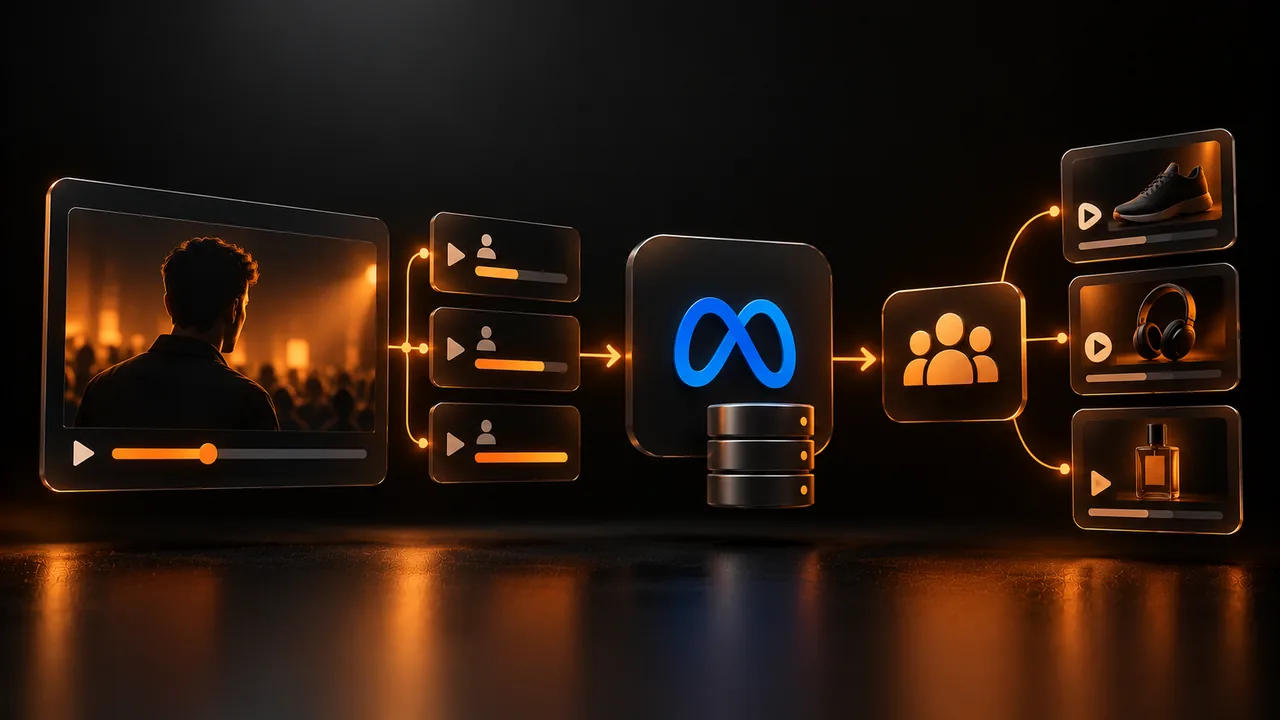
Every marketer who runs video has asked the same question: should I ask for the email before the video, during it or after it? Ask too early and many visitors leave without watching. Ask too late and most of them are already gone. Video lead capture works when the form appears at the moment the viewer has received enough value to want the rest.
Most articles about gated video content explain how to switch the feature on. This one focuses on timing: where to place an email gate video form, how each position affects retention and how to measure the trade-off so you capture more leads without losing the sale.
What is video lead capture?
Video lead capture means collecting contact details (usually an email, sometimes a name, phone or company) through a form shown inside or in front of a video player. The form can be:
A full gate that blocks the video until the viewer submits.
A mid-video gate that pauses playback at a chosen second and asks for details to continue.
An optional in-video opt-in form the viewer can fill in or skip.
All three create gated video content in some form, but they have very different effects on how many people keep watching.
Why put the opt-in inside the video?
A form on the page next to a video competes for attention. An in-video opt-in form appears at the exact moment the viewer is most engaged, inside the frame they are already looking at. That gives video lead capture three advantages:
Context. The viewer has just seen proof of value, so the request feels fair.
Qualification. Someone who watched three minutes before submitting is usually a better lead than someone who filled a pop-up on arrival.
Data. You know exactly how much of the video each lead watched, which you can pass to your CRM for segmentation.
The three gate positions and how they affect retention
Gate at the start
The video does not play until the visitor submits their email. This is classic gated video content, common for webinars, demos and premium training.
Pros: every viewer is a lead; simple to set up.
Cons: the highest drop-off, because the visitor has to trust you before seeing anything.
Best for: warm traffic that already knows you, such as email subscribers, or high-value content with a strong promise (a full masterclass or detailed case study).
Gate at a mid-point or before the pitch
The video plays freely for a few minutes, then pauses and asks for an email to continue. This email gate video approach uses the opening to build curiosity and trust.
Pros: viewers have already invested time, so many complete the form to see the rest; leads are more qualified.
Cons: you lose contact with visitors who leave before the gate.
Best for: cold traffic, educational VSLs and lead magnet videos where the first section delivers a clear "aha" moment.
Optional opt-in at any second
An in-video opt-in form appears at a chosen moment but can be skipped. The video continues either way.
Pros: the lowest impact on retention; useful for sales videos where the main goal is the purchase.
Cons: fewer leads than a required gate.
Best for: VSLs where you want to capture a share of the audience for follow-up without blocking the path to the offer.
How to choose the right moment for an email gate video
Use your retention data, not guesswork.
For practical guidance on video in email, read the dedicated guide.
Find the end of the hook. Look at your retention curve. The point after the first steep drop, where the curve flattens, is where viewers have decided to stay.
Find the first value moment. Identify the second where the video delivers its first useful insight or reveal.
Place the gate just after that moment. Viewers who have just received value are most willing to give their email.
Avoid the cliffs. Never place the gate at or just before a known drop-off cliff; you will compound the loss.
Keep it before the pitch for VSLs. If the video sells, capture the lead before the offer so you can follow up with people who do not buy.
Measuring the trade-off: leads vs retention vs revenue
Video lead capture always involves a trade-off. More leads can mean fewer people reaching the offer. Measure all three:
Gate submission rate: submissions divided by viewers who saw the gate.
Post-gate retention: how many viewers continue watching after the gate.
Revenue per play: total revenue (immediate and from follow-up) divided by plays.
Run an A/B test with the gate at the start, mid-video and optional, and compare revenue per play over a full follow-up cycle, not just on day one. A gate that loses a few immediate sales can still win if the email sequence converts the extra leads.
Designing an in-video opt-in form that converts
Ask for the minimum. Email only for cold traffic; add name, phone or company only when you will actually use them.
Explain the value in one line. "Enter your email to watch the rest of the training, including the 3-step framework."
Choose inline or fullscreen. An inline gate keeps the page visible; a fullscreen gate focuses attention. Test both.
Match your brand. Use the same colours and fonts as the player.
Make it mobile-friendly. Large tap targets, the right keyboard for email fields and no tiny close buttons.
Confirm instantly. Resume playback immediately after submission.
Connecting video lead capture to your CRM
A lead is only useful if it reaches your follow-up system with context. Send each submission with:
The video and variant watched
The second the viewer submitted
How far they watched after submitting
Traffic source and campaign
AtomicPlayer's lead capture gate supports inline or fullscreen formats, triggers at the start, at the pitch or at any second, and email, name, phone and company fields. Leads sync to your CRM through integrations such as HubSpot and ActiveCampaign, or through Zapier, Make and webhooks. ActiveCampaign users can tag and segment leads by what they watched, so a viewer who reached the pitch gets a different sequence from one who left after the gate.
Gated video content vs ungated video: a decision framework
Not every video should be gated. Use these questions to decide whether gated video content or a free, ungated video fits your goal:
Is the main goal sales or leads? If the video exists to sell, protect the path to the offer and use an optional in-video opt-in form. If the video exists to build a list, a required gate makes sense.
How warm is the traffic? Warm subscribers accept a gate at the start more easily. Cold ad traffic needs to see value first, so use a mid-video email gate video approach.
How valuable is the content after the gate? The gate only works if viewers believe the rest of the video is worth their email. Make the promise specific.
Do you need the video to be discoverable? Fully gated videos cannot earn search visibility on their own. Publish a transcript, summary or short preview publicly.
Can you follow up well? Video lead capture without a strong follow-up sequence wastes the lead. Prepare emails that continue the story from the second the viewer submitted.
Video lead capture follow-up: what to send after the gate
The data from video lead capture lets you personalise follow-up by watch depth:
Submitted at the gate, then left: send the video link with a timestamp to continue where they stopped, plus one sentence about what they will learn next.
Watched to the pitch, did not buy: address the most common objections, share a testimonial and restate the offer.
Clicked the CTA, did not buy: reassure them about checkout, payment options and guarantee.
Watched to the end and bought: welcome sequence and onboarding.
This kind of segmentation is only possible when your in-video opt-in form passes watch data to your CRM along with the email address.
Privacy and compliance
Gated video content collects personal data, so treat it like any other form:
Show a short consent line and link to your privacy policy.
Use a separate checkbox for marketing consent where the law requires it.
Store only the fields you need.
Honour unsubscribe and deletion requests.
Video lead capture ideas by use case
Webinar replay: gate at the start for warm traffic; mid-video for cold.
Lead magnet training: gate after the first actionable tip.
VSL: optional opt-in before the pitch, with a follow-up sequence for non-buyers.
Product demo: gate before the advanced features section.
Course preview: gate after the first lesson.
For more on using in-video elements alongside the buy button, read our guide to video call to action timing and explore all player features.
Explore the custom video player to configure the viewing experience for your funnel.
Frequently asked questions
Does a mid-video email gate hurt SEO for pages with video?
The gate itself does not affect how search engines read your page text. If you want the video to be discovered in search, add a transcript or summary on the page and use VideoObject structured data, so search engines understand the content even if part of the video is gated.
What submission rate should I expect from an in-video opt-in form?
It varies widely by traffic temperature, offer and timing. Warm audiences and strong mid-video moments usually convert better than cold traffic gated at second one. Measure your own baseline, then test gate position and copy to improve it.
Can returning viewers skip the gate after they have already subscribed?
They should. Use a player that remembers submitted viewers on the same device, or pass known subscriber details in the page link from your emails, so subscribers are not asked for their email twice.
For practical guidance on video CTA examples, read the dedicated guide.
Should I gate a VSL if my main goal is sales?
Usually not with a required gate at the start. For VSLs, an optional opt-in or a gate shortly before the pitch protects retention while still building a follow-up list. Test it against no gate and compare revenue per play over your full email cycle.
What happens to viewers who close the video at the gate?
They leave without becoming leads, which is why gate position matters. You can still reach some of them through retargeting by sending a "reached gate" event to your ad platforms and showing a reminder ad to those viewers.
Measure Video Engagement Rate and Turn Viewers Into Customers
If you read nothing else
- The gate itself does not affect how search engines read your page text. If you want the video to be discovered in search, add a transcript or summary on the page and use VideoObject structured data, so search engines understand the content even if part of the video is gated.
- It varies widely by traffic temperature, offer and timing. Warm audiences and strong mid-video moments usually convert better than cold traffic gated at second one. Measure your own baseline, then test gate position and copy to improve it.
- They should. Use a player that remembers submitted viewers on the same device, or pass known subscriber details in the page link from your emails, so subscribers are not asked for their email twice.
- Usually not with a required gate at the start. For VSLs, an optional opt-in or a gate shortly before the pitch protects retention while still building a follow-up list. Test it against no gate and compare revenue per play over your full email cycle.
Atomicat Team
The team behind AtomicPlayer — writing about video conversion, retention, and the infrastructure that makes both measurable.