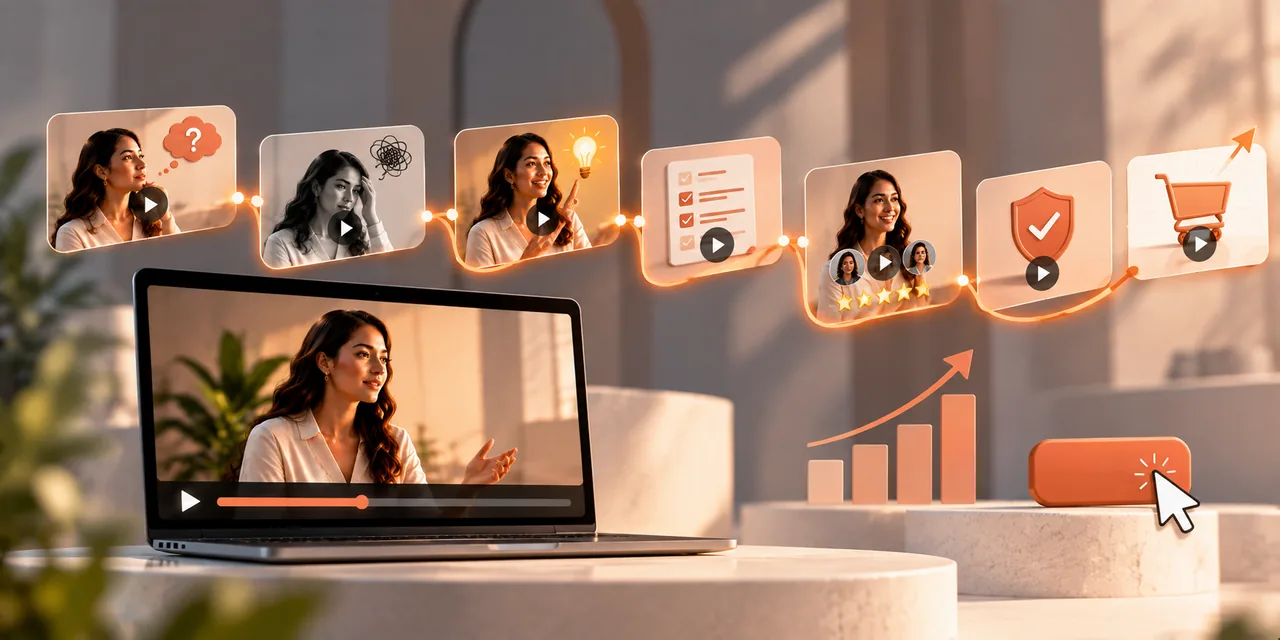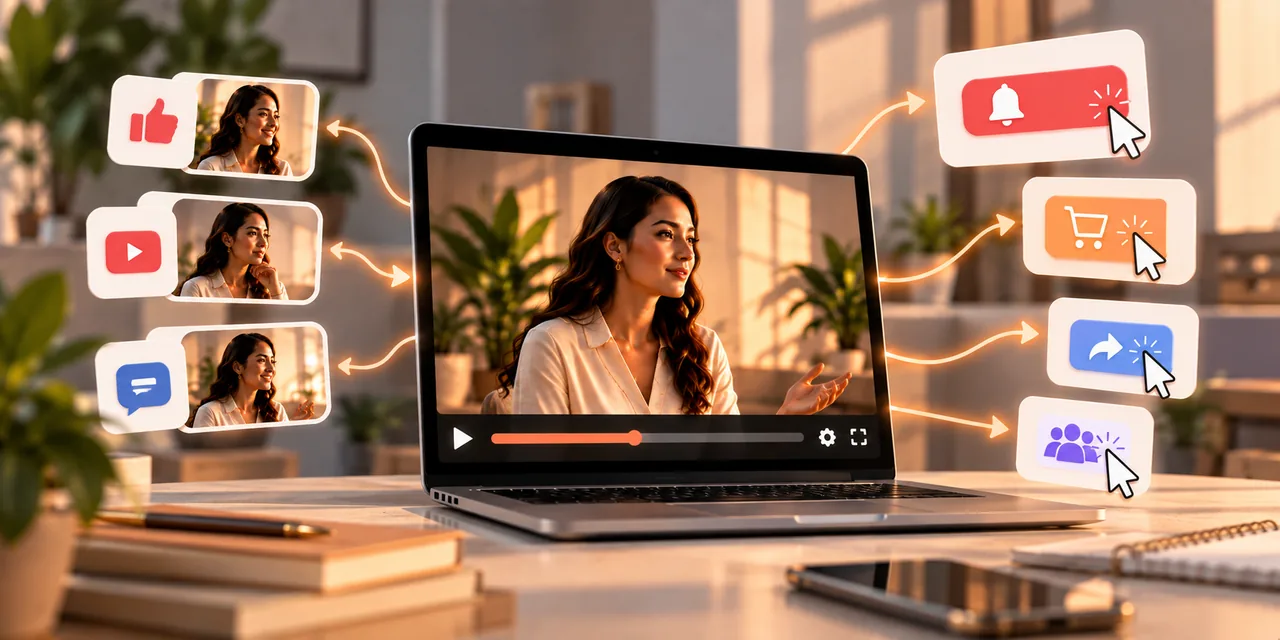
A video call to action, or CTA, pairs a clear spoken instruction with an on-screen prompt that tells viewers exactly what to do next. The most effective ones use precise language, last only a few seconds, and appear right after you deliver real value. Get the CTA right and your video stops being just content and starts driving results.
This guide gives you 15 video CTA examples across different goals, then explains what makes them work and how to place them for the best response. If your videos get watched but rarely acted on, a stronger call to action is often the missing piece.
What is a video call to action?
A video call to action is the moment you ask the viewer to do something specific, reinforced by both what you say and what appears on screen. It turns passive watching into a next step, whether that is subscribing, clicking, or buying.
The best CTAs share a few traits. They are clear, so there is no confusion about what to do. They are short, usually five to ten seconds, so they do not drag. And they land at the right moment, right after you have delivered value, when the viewer is most receptive. A weak or missing CTA is one of the most common reasons a good video fails to produce results, because viewers who enjoyed it simply do not know what to do next.
It helps to remember that viewers rarely act unless you ask. Even someone who loved your video will usually move on the moment it ends, not out of disinterest but out of habit, since there is always another video waiting. A clear call to action interrupts that drift and gives them a reason to do something now. This is why even the strongest content underperforms without a CTA, and why adding one is often the single highest-return change you can make to a video that already holds attention.
Video CTA examples for subscriptions and channel growth
If your goal is to grow an audience, your CTA should make subscribing or following feel worthwhile. These examples tie the action to a clear benefit.
- "Subscribe for a new tip like this every single week."
- "Hit the bell icon so you never miss a drop."
- "Watch this next video right here on your screen to find out what happens next."
Notice that each one gives a reason, not just an instruction. "Subscribe" alone is easy to ignore, but "subscribe for a new tip every week" tells the viewer what they get in return, which is far more persuasive. The pattern holds across every goal: an instruction paired with a payoff always beats a bare command, because it answers the viewer's silent question of what is in it for them.
Video CTA examples for sales and conversions
When the goal is a sale or a sign-up, your CTA should be direct and make the action feel easy. These examples remove hesitation and point clearly to the next step.
- "Head straight to the link below to try it today."
- "Tap the button on your screen right now to get started."
- "Claim your free trial now, no card required."
Each of these is specific about where to go and what happens next, leaving no room for the hesitation that a vague ask creates. The mention of a free trial with no card also lowers the perceived risk, which is a small addition that can noticeably lift response. For sales videos especially, pairing this kind of CTA with a proven VSL framework makes the whole video work harder.
Video CTA examples for engagement and community
Sometimes the goal is interaction rather than a sale, and interaction feeds the reach and relationships that lead to sales later. These CTAs invite viewers to participate.
- "Tag a friend who needs to see this today."
- "Click the link and wait until you see what happens next."
- "Drop your favorite tip in the comments below."
These work because they ask for something small and easy to do, and they give the viewer a clear reason to do it right away. Asking a specific question or prompting a specific share earns far more response than a vague "let me know what you think." The more precise the ask, the more people act on it, which is why these lift your video engagement rate.
More video CTA examples to adapt
Here are six more examples across goals that you can adapt to your own videos, showing the range of ways a CTA can be phrased.
- "Download the free guide linked below to go deeper."
- "Book your free call using the button on screen."
- "Save this video so you can come back to it later."
- "Answer the poll on your screen to get a tip made for you."
- "Reply with the word yes and I will send you the template."
- "Start your free trial today and build your first page in minutes."
Each of these ties a clear action to a clear payoff. As you adapt them, keep the benefit front and center, since a viewer acts when the reward feels worth the small effort you are asking for.
What makes a video CTA effective?
Across all fifteen examples, the same principles show up. Understanding them lets you write your own CTAs rather than only copying these.
Be specific. Tell viewers exactly what to do and where, not a vague "check it out." Precision removes hesitation.
Give a reason. Pair the action with the benefit the viewer gets, so the ask feels worth it.
Keep it short. A CTA that lasts five to ten seconds stays crisp. A long, rambling ask loses the momentum you built.
Time it well. Deliver value first, then ask, when the viewer feels they have gotten something and are ready to reciprocate.
Use one main ask. A single clear action beats several competing ones, which only create hesitation.
Where should you place a video CTA?
Timing and placement shape how well a CTA performs, and there is more than one right answer depending on your goal. The key is to match placement to how viewers watch.
An end CTA is the classic spot, ideal after you have delivered your full value and built desire. A mid-roll CTA can work when you reach a natural high point, catching viewers who may not watch to the very end. And a persistent on-screen element, like a button that stays visible, lets a convinced viewer act at any moment. For sales videos, an in-video button that a viewer can click without leaving the player removes friction entirely. Hosting on a player that supports clickable calls to action, such as Atomic Player, lets you place these prompts where they convert best, and you can test placements to see what your audience responds to.
How do you test and improve your video CTAs?
Writing a good CTA is the start. The best marketers treat their calls to action as something to test and refine, because small changes in wording or placement can noticeably shift results.
Start by testing one thing at a time so you know what made the difference. Try the same video with two different CTAs, such as one that leads with the benefit and one that leads with urgency, and compare how many viewers act. Test placement too, since an end CTA and a mid-roll CTA can perform very differently for the same video. Watch not just clicks but what happens after, because a CTA that earns clicks but no conversions may be attracting the wrong action. Over time, these small experiments teach you the exact language and timing your audience responds to, which is knowledge no generic list can give you.
Keep a simple record of what you try and what works. Patterns emerge that are true for your specific audience, such as a phrase that always outperforms or a placement that consistently converts. New videos can then start from that hard-won knowledge rather than a guess, which is how a channel steadily gets better at turning viewers into action rather than repeating the same results.
Frequently asked questions
What is a video CTA?
It is a call to action in a video that pairs a spoken instruction with an on-screen prompt, telling viewers exactly what to do next, such as subscribe, click, or buy.
How long should a video CTA be?
Usually five to ten seconds. Long enough to be clear, short enough to keep the momentum you built in the video.
When should a CTA appear in a video?
Right after you deliver value, most often near the end. You can also use a mid-roll CTA at a high point or a persistent on-screen button for constant access.
How do I make my video CTA more effective?
Be specific about the action, pair it with a clear benefit, keep it short, time it after delivering value, and stick to one main ask per video.
Can viewers act without leaving the video?
Yes, if you host on a player that supports clickable in-video calls to action, viewers can take the next step without leaving the player, which reduces friction.
Give every video a reason to act
A strong video CTA is what turns attention into results. Be specific, tie the action to a benefit, keep it short, place it where your viewers are ready to move, and test your wording until you find what your audience responds to.
Start your trial and host videos that play smoothly and keep viewers watching, no code required.
If you read nothing else
- Strong video CTAs are specific, benefit-led, and timed to peak intent — not generic “click here.”
- Use different CTA styles for subscribe, buy, book, and engage goals.
- In-video clickable CTAs convert better when the player supports them without sending people away early.
- Test CTA copy, placement, and urgency the same way you test hooks — with conversion as the scoreboard.
Atomicat Team
The team behind AtomicPlayer — writing about video conversion, retention, and the infrastructure that makes both measurable.