The moment after a purchase is the most generous moment in your funnel. The customer has just decided to trust you, their card is out and they are excited about what they bought. An upsell page uses that moment to offer something that makes the first purchase work better. Done well, it can raise average order value meaningfully without any extra ad spend.
Most guides to building a one time offer page are help-centre articles: click here to add the page, click there to connect the product. Very few explain what to say, how long the video should be or when to show the buttons. This guide covers the strategy: a short upsell video script, page layout, one click upsell setup and how to measure take rate and revenue.
For practical guidance on video revenue attribution, read the dedicated guide.
What is an upsell page?
An upsell page is the page a buyer sees immediately after checkout and before the thank-you page. It presents one additional offer related to what they just bought. Common forms include:
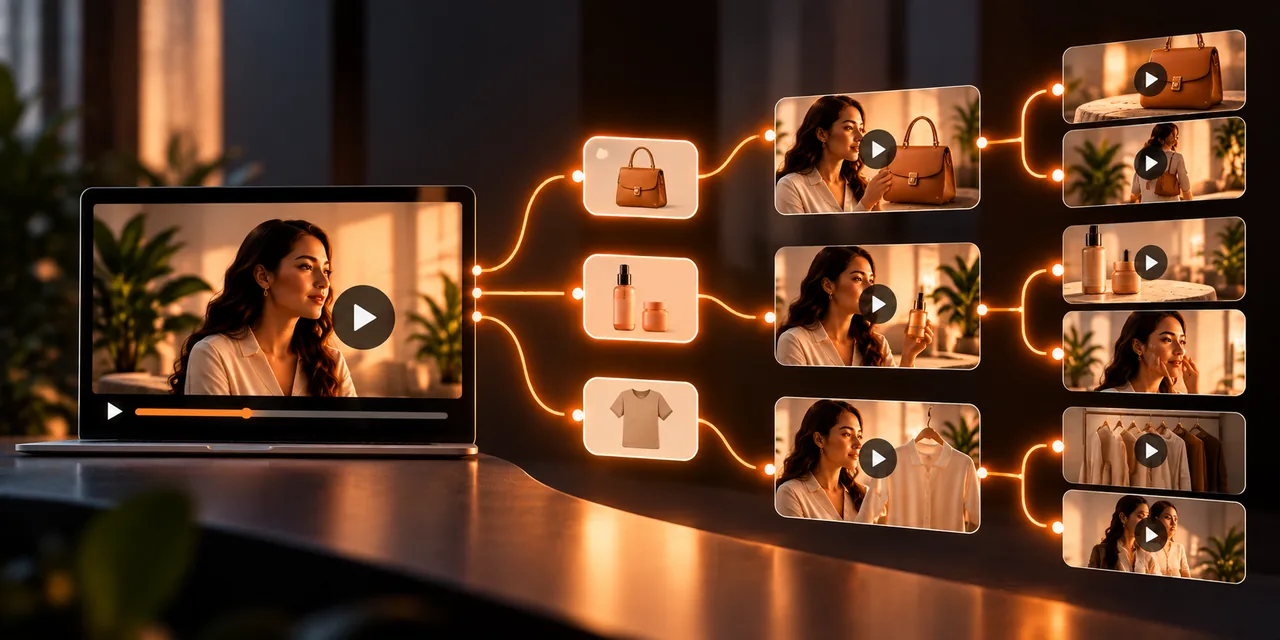
Upgrade: a premium version of the product (e.g. coaching added to a course).
Complement: something that helps them get results faster (templates, a toolkit, a done-for-you service).
Quantity: more of the same (a multi-month supply instead of one).
Continuity: a membership or subscription that continues the result.
A one time offer page is an upsell page framed around an offer available only at that moment, usually at a better price than it will be later. The urgency is real only if the offer genuinely is not available at that price elsewhere.
Why video works on an upsell page
Text-only upsells ask the buyer to read again right after they finished a long sales process. A short video does three things text cannot:
Keeps momentum. A friendly face saying "Wait, your order is complete; here is one thing that will help" feels like a continuation of the purchase, not a new pitch.
Explains quickly. In 60–120 seconds you can show the add-on and why it matters.
Builds trust. Seeing the creator again reduces the "Is this a trick?" feeling some buyers have on upsells.
One click upsell: the setup that makes it work
A one click upsell lets the buyer accept the offer without re-entering payment details. Their payment method from the first checkout is charged with one click. This is the single biggest factor in upsell take rate, because every extra field is a reason to say no.
To use one click upsell you need a checkout or funnel platform that supports post-purchase offers with stored payment methods, such as ClickFunnels, Kajabi, Hotmart, Kiwify, Shopify apps or Stripe-based funnel tools. Check your platform's documentation for supported payment methods; some wallets and methods may require extra confirmation steps.
The upsell video script (60–120 seconds)
Keep the upsell video script short. The buyer has already seen a long VSL; this is a quick conversation, not another sales letter. Use this five-part structure:
1. Confirm the purchase (5–10 seconds)
"Congratulations, your order for [product] is confirmed. Your access details are on their way to your inbox."
This reassures the buyer and stops them from worrying about whether the purchase went through.
2. Name the next problem (10–20 seconds)
"Most people who start [product] run into the same thing in the first week: [specific obstacle]."
Point to a real gap between what they bought and the result they want.
3. Present the solution (20–40 seconds)
"That's why we created [upsell]. It gives you [specific benefit] so you can [result] faster."
Show it on screen: the templates, the dashboard, the coaching call format.
4. Make the offer (15–30 seconds)
"Because you just joined, you can add it today for [price] instead of [regular price]. This price is only available on this page."
Be specific and truthful about the price and why it is lower.
5. Give a clear choice (5–10 seconds)
"Click the button below to add it to your order with one click. Or, if you'd prefer not to, click 'No thanks' and you'll go straight to your access page."
A respectful decline option protects the relationship and reduces refunds.
Upsell page layout
Progress bar or message: "Your order is almost complete – step 2 of 3." It reassures the buyer they have not left the purchase flow.
Headline: "Wait! Add [upsell] to your order for [benefit]."
Video player: autoplay with sound prompt, short, branded, no distractions.
Accept button: clearly worded with the price ("Yes, add it to my order – $47").
Decline link: visible and polite ("No thanks, take me to my purchase").
Short bullet summary of what is included for people who do not watch.
Guarantee if it applies.
When to show the buttons on an upsell page video
CTA timing is just as important on a one time offer page as on a main VSL. Two common approaches:
Show both buttons immediately for very short videos (under 60 seconds) and low-priced offers.
Show the accept button at the offer moment for longer videos and higher-priced offers, with the decline link available from the start.
Never hide the decline option to force viewers to watch; it creates frustration and refund requests. AtomicPlayer's timed CTAs let you show the accept button at the exact second the offer is presented. See our guide to video call to action timing for more on this.
Measuring upsell performance
Track these metrics for every upsell page:
Take rate: accepted upsells divided by buyers who reached the page.
Video play rate and retention: did buyers watch to the offer?
Average order value: total revenue per buyer including upsells.
Refund rate on upsells: a high refund rate suggests the offer was oversold or poorly matched.
Revenue per play: revenue from the upsell divided by video plays.
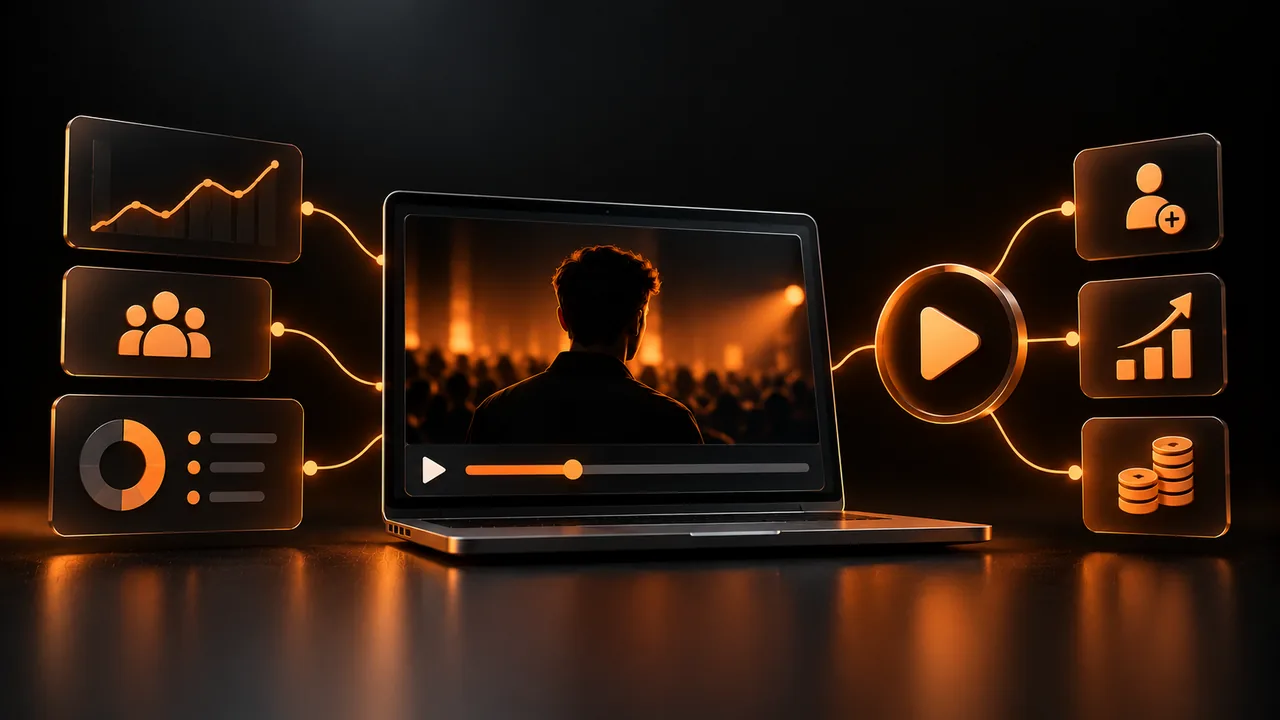
With video revenue attribution, you can see which version of the upsell video produced the most net revenue, not just the most clicks.
See the Stripe revenue integration to connect payments with the videos and variants that generated them.
What to A/B test on an upsell page
Video vs no video, to prove the video earns its place.
Short vs very short upsell video script (2 minutes vs 45 seconds).
Accept button timing (immediate vs at the offer).
Offer type (upgrade vs complement).
Price point and payment plan.
Test one variable at a time and measure on revenue per buyer, not take rate alone. A cheaper upsell might have a higher take rate but bring in less money.
Upsell page examples by product type
Here is how the same upsell page framework adapts to different businesses:
Online course: upsell a template pack or workbook that makes the course easier to apply; the upsell video script shows the templates on screen.
Coaching programme: upsell a private onboarding call so buyers get a personalised start.
Software subscription: upsell an annual plan at a lower effective monthly price, using one click upsell to switch billing.
Supplement or physical product: upsell a larger supply at a lower price per unit with free shipping.
Membership: upsell a premium tier with live sessions or community access.
Event or challenge: upsell a VIP pass with recordings and bonus sessions.
In every case, the one time offer page answers one question: "What will help this buyer get the result they just paid for, faster or more easily?"
Writing the decline path
The decline option on an upsell page deserves as much attention as the accept button. A rushed or manipulative decline path ("No, I don't want to succeed") may slightly lift take rate in the short term but tends to increase refunds and complaints.
For practical guidance on video conversion rate, read the dedicated guide.
Best practices for the decline path:
Use neutral, respectful wording: "No thanks, continue to my order."
Make the link easy to see and tap on mobile.
Send declined buyers straight to their access page or a short downsell.
Never charge anything without a clear click on the accept button.
A clean decline path makes buyers more comfortable with the one click upsell, because they trust they will not be charged by accident.
Common upsell page mistakes
Repeating the main VSL instead of presenting a new, related offer
Upsells unrelated to the first purchase
No decline option, or a hidden one
Fake scarcity or prices that are never actually higher elsewhere
Asking for payment details again instead of one click upsell
Long, slow-loading videos on mobile
For how upsells fit into the full funnel, from ad to VSL to checkout to back end, read video sales funnel: how to use a VSL at every stage.
Frequently asked questions
How many upsells should a funnel have after checkout?
Start with one strong upsell and, if needed, one downsell for buyers who decline. Additional offers can work in some funnels but each extra step increases the chance of buyer fatigue and refunds. Add more only if testing shows net revenue rises.
What is a downsell and when should I use one?
A downsell is a cheaper or lighter version of the upsell shown to buyers who declined it, such as a payment plan or a smaller package. Use it when many buyers decline mainly on price rather than relevance.
Should the upsell video autoplay with sound?
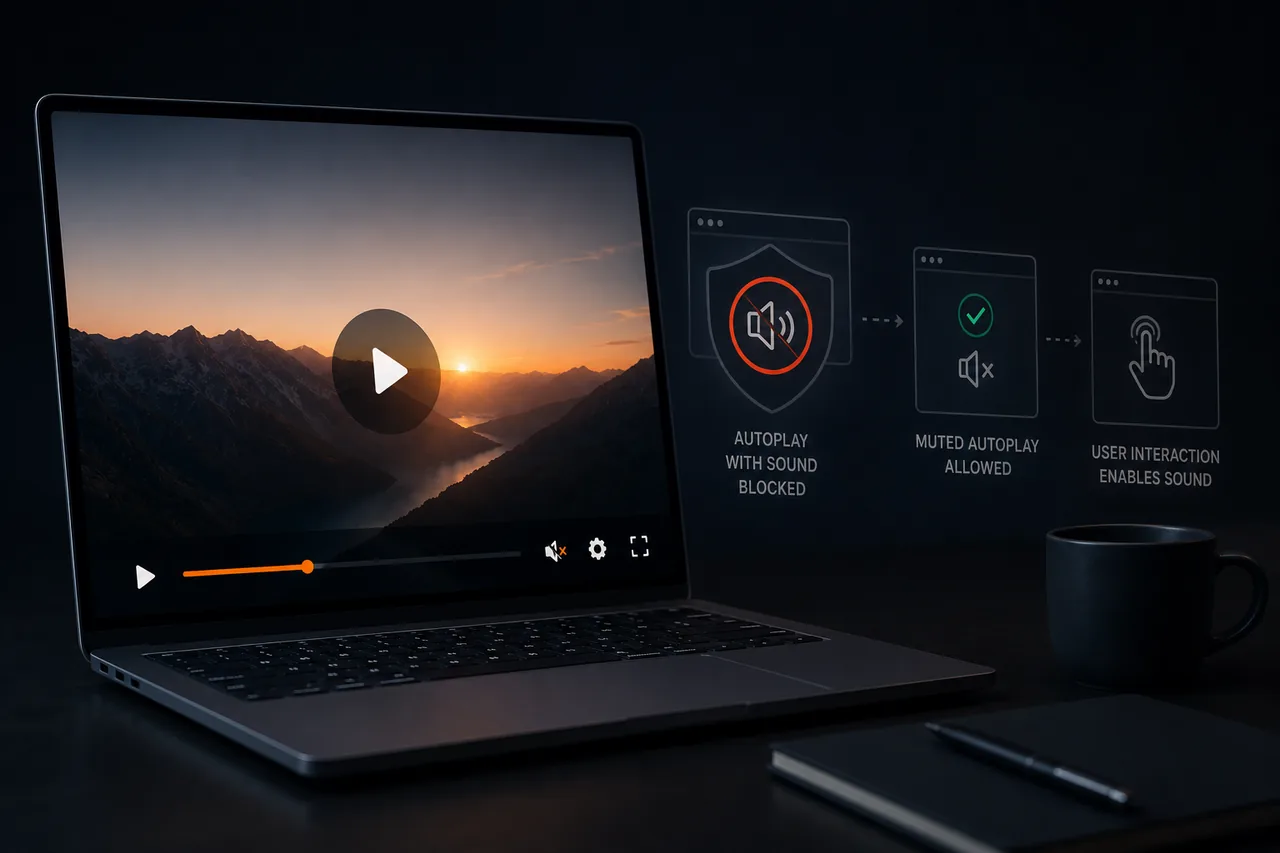
Most browsers block autoplay with sound unless the viewer has interacted with the site, so plan for muted autoplay with a clear unmute prompt and captions. Since buyers just clicked through checkout, many will tap to unmute quickly.
Can I use the same person from the main VSL in the upsell page video?
Yes, and it usually helps. Continuity with the presenter from the main VSL reassures buyers that the offer comes from the same trusted source and is part of the purchase process.
How do I price a one time offer page fairly?
Price the offer so it is genuinely valuable at that moment, and only call it a one-time price if it will not be available at that price afterwards. Being honest about the discount protects trust, reduces refunds and avoids consumer-protection issues.
If you read nothing else
- Start with one strong upsell and, if needed, one downsell for buyers who decline. Additional offers can work in some funnels but each extra step increases the chance of buyer fatigue and refunds. Add more only if testing shows net revenue rises.
- A downsell is a cheaper or lighter version of the upsell shown to buyers who declined it, such as a payment plan or a smaller package. Use it when many buyers decline mainly on price rather than relevance.
- Most browsers block autoplay with sound unless the viewer has interacted with the site, so plan for muted autoplay with a clear unmute prompt and captions. Since buyers just clicked through checkout, many will tap to unmute quickly.
- Yes, and it usually helps. Continuity with the presenter from the main VSL reassures buyers that the offer comes from the same trusted source and is part of the purchase process.
Atomicat Team
The team behind AtomicPlayer — writing about video conversion, retention, and the infrastructure that makes both measurable.