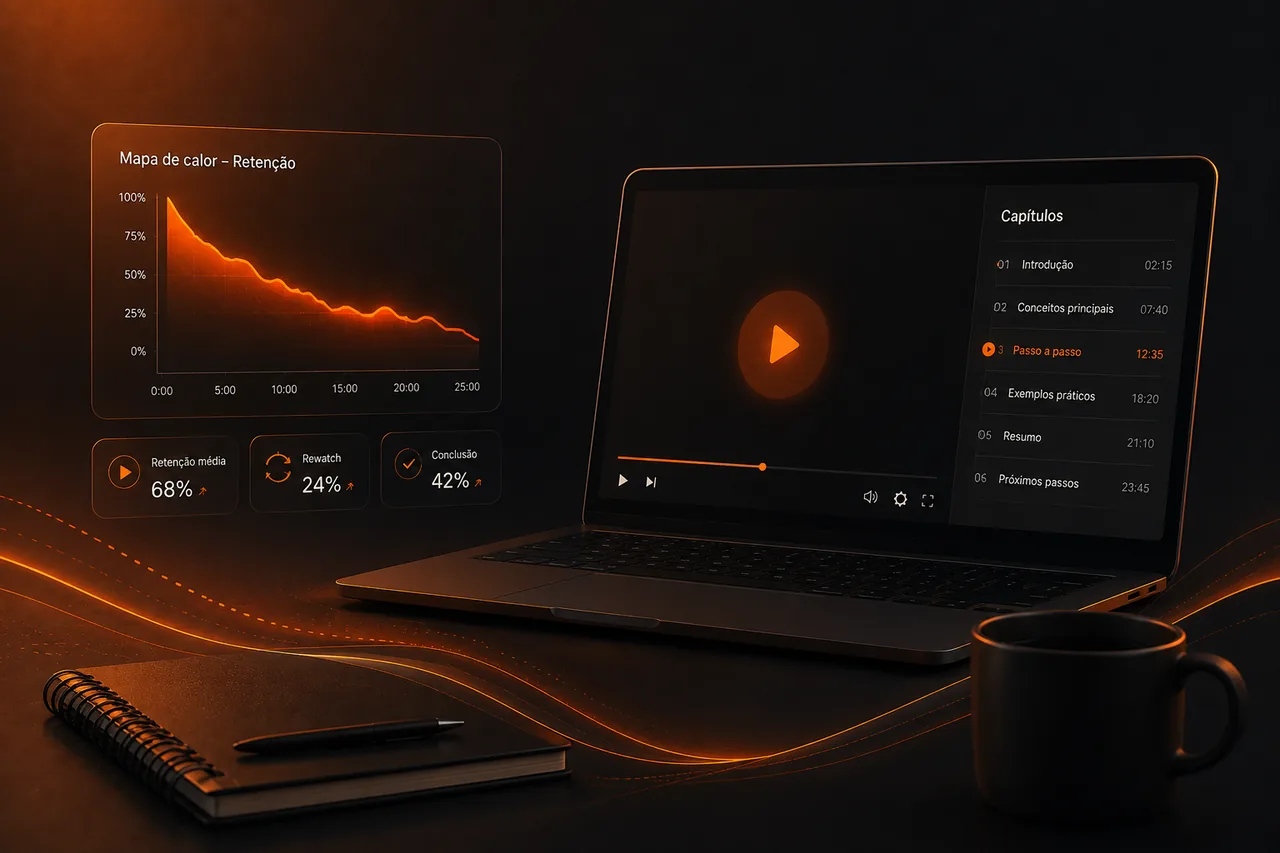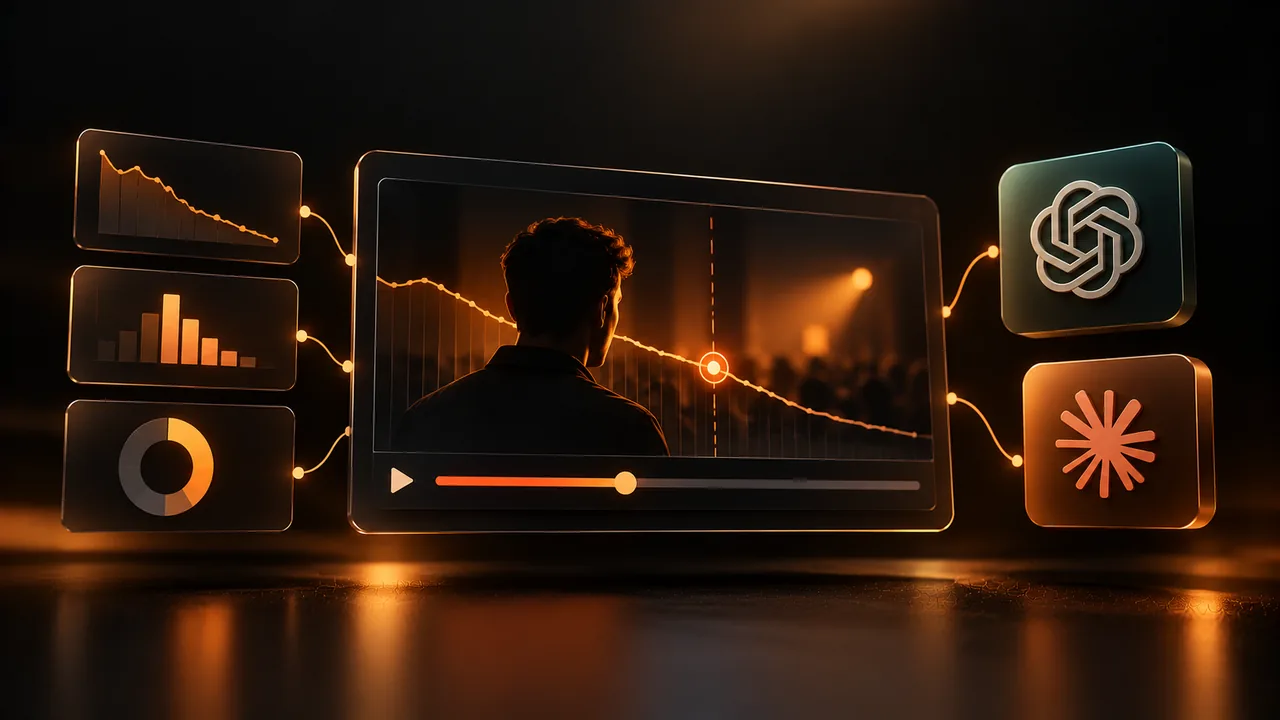
You open your dashboard, see a cliff at 0:47 and then spend twenty minutes exporting CSVs, filtering by traffic source and pasting numbers into a chat window to ask an AI what happened. A video analytics MCP removes every step in that sentence except the question. You ask Claude or ChatGPT "why does my VSL lose viewers at 0:47?" and the assistant reads your real retention data, checks the cliff by source and device and answers with the numbers attached.
For practical guidance on VSL analytics, read the dedicated guide.
This guide explains what a video analytics MCP is, why marketers (not just developers) should care, how to connect Claude to analytics in a few minutes and which prompts turn AI video analytics into decisions. We use AtomicPlayer MCP as the worked example, since it was built for sales videos rather than general media.
What is a video analytics MCP?
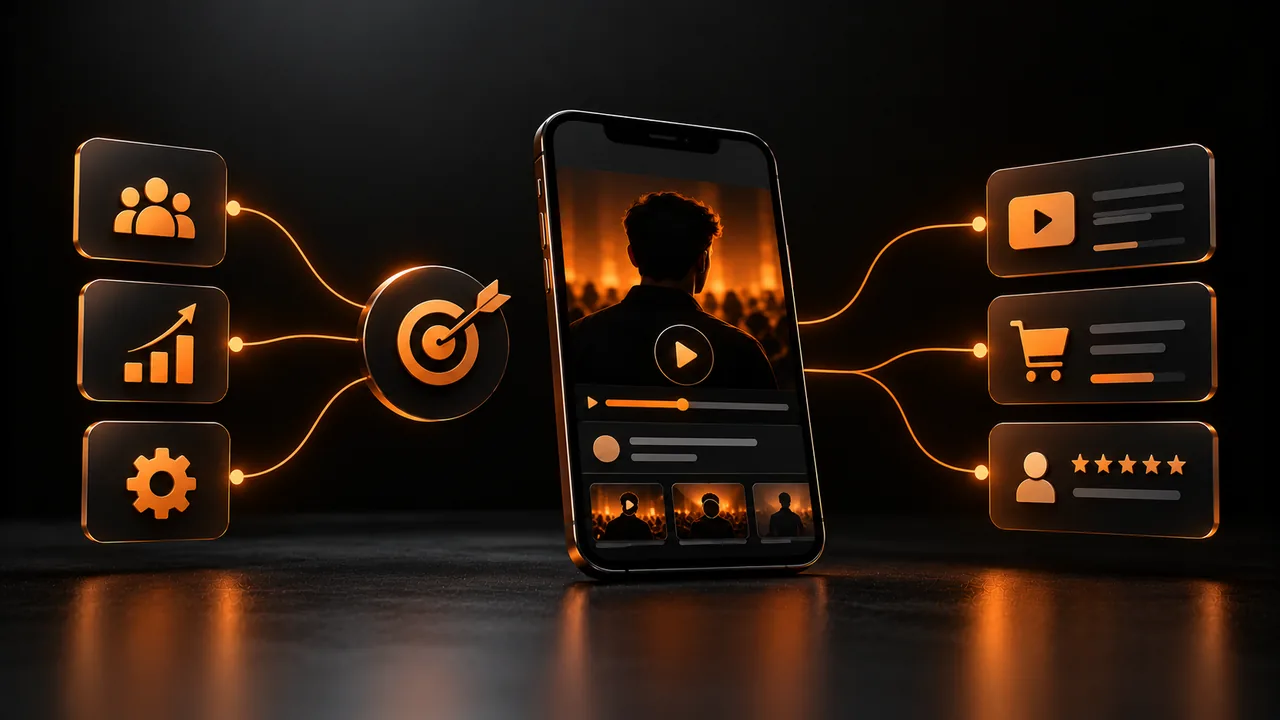
MCP stands for Model Context Protocol, an open standard that lets AI assistants connect to external tools and data in a structured, permissioned way. A video analytics MCP is an MCP server that exposes your video data (retention, funnels, revenue, A/B tests) to an AI assistant such as Claude, ChatGPT or Cursor.
Without MCP, an assistant only knows what you paste into the chat. With a video analytics MCP, the assistant can request exactly the data it needs, when it needs it: "get retention for video X between 0:40 and 0:55, split by traffic source." The answer is grounded in your account, not in generic advice about video.
Most existing video MCP servers are aimed at developers building media apps. They expose encoding jobs, asset IDs and upload endpoints. That is useful if you are writing code, but it is not what a media buyer or funnel owner needs. A marketing-focused video analytics MCP exposes the business layer: which video loses the most viewers, which variant wins, what each play earns.
Why marketers need an MCP server for marketing data
An MCP server for marketing changes who can do analysis. Today, deep questions about a funnel usually wait for the one person on the team who knows the dashboard well. With an MCP server for marketing, anyone who can write a sentence can ask a precise question.
Use the Atomic Player MCP server to query video analytics through a compatible AI assistant.
Three practical benefits stand out:
Speed. Questions that took an export and a spreadsheet are answered in one message.
Context. The assistant can combine data the dashboard shows on separate screens: retention, traffic source and revenue in one answer.
Action. A good MCP server for marketing does not stop at reading. It can create an A/B test, organise a library or draft a report, with your confirmation before anything changes.
This is what makes AI video analytics different from a chatbot that summarises a screenshot. The assistant works with live data and real tools, inside the permissions you granted.
How to connect Claude to analytics with AtomicPlayer MCP
You can connect Claude to analytics in AtomicPlayer in about two minutes. The same server URL also works for ChatGPT and Cursor.
Copy the server URL: https://mcp.atomicplayer.ai/mcp
Add a custom connector in Claude (or ChatGPT or Cursor) and paste the URL.
Sign in on AtomicPlayer. You authenticate on AtomicPlayer itself; you never type your password into the chat.
Choose workspaces and permissions. Grant only what the assistant needs. You can revoke access at any time under Settings → Connected apps.
Ask your first question. For example: "Which of my videos lost the most viewers in the first 30 seconds this month?"
Once you connect Claude to analytics this way, every answer is based on your workspace data. Full details live on the AtomicPlayer MCP page.
What the AtomicPlayer video analytics MCP can do
AtomicPlayer MCP covers the work marketers do every day, while keeping sensitive operations in the dashboard.
Available from chat:
Analytics and tests: read retention, funnels and revenue; create, launch, pause or promote A/B tests.
Library: create folders and tags, rename videos and delete items after confirming their ID.
Player drafts: edit a draft, publish after confirmation and apply one style across the workspace.
Team and billing: view your plan, invoices and members, and invite teammates (invoice links and tax IDs stay hidden).
Webhooks: create, test and remove endpoints.
Captions: get a credit-cost quote for transcription or captions, and start the job only after you accept.
Kept in the dashboard on purpose: checkout, buying credits, cancelling a plan, refunds, video file uploads, creating API keys and rotating webhook secrets. This separation means an assistant can analyse and optimise, but cannot spend money or expose secrets.
10 AI video analytics prompts that answer real VSL questions
The value of a video analytics MCP depends on the questions you ask. These prompts are written for VSL owners and media buyers.
"Why does my main VSL lose viewers at 0:47? Compare that drop by traffic source and device."
"Which three drop-off cliffs cost me the most viewers this month, ranked by viewers lost?"
"What share of Meta Ads viewers reached the pitch last week versus the week before?"
"Compare revenue per play between variant A and variant B, and tell me if the result is significant yet."
"Set up an A/B test of a new hook on my homepage player and tell me the cost before anything launches."
"Which video has the highest CTA click-through but the lowest purchase rate?"
"Show me retention for converters versus bouncers on the upsell video."
"Did anything change in play rate after we updated the thumbnail on Tuesday?"
"Create a folder called Black Friday and tag the three newest videos with it."
"Quote the credit cost to caption my onboarding video and wait for my OK."
Notice the pattern: each prompt asks for a comparison or a ranking. AI video analytics is most useful when you ask it to find the difference that matters, not to describe a single number.
Video analytics MCP vs API vs dashboard: when to use each
A video analytics MCP does not replace your dashboard or your API. Each has a job.
Dashboard: best for visual exploration, spotting a cliff on a curve and day-to-day monitoring. See AtomicPlayer analytics.
API: best for engineers building custom reports, syncing data to a warehouse or automating workflows. See the AtomicPlayer API.
MCP: best for questions that cross several reports, for people who do not live in the dashboard and for actions you want to describe in plain language.
Many teams use all three: the API feeds a weekly report, the dashboard is where creative teams review curves and the MCP is where managers and media buyers ask follow-up questions.
Security: is it safe to connect Claude to analytics?
It is reasonable to ask whether you should connect Claude to analytics that include revenue. A well-designed MCP server for marketing handles this through scoped permissions and confirmation steps:
You sign in on the vendor's site, not in the chat window.
You choose which workspaces and permissions to grant.
Destructive or costly actions require explicit confirmation.
Secrets such as webhook signing keys are visible only in the dashboard.
You can revoke access instantly.
Treat an MCP connection like any third-party app: grant the minimum scope, review connected apps periodically and remove access when a teammate leaves.
Getting more from AI video analytics
A few habits make AI video analytics answers sharper:
Name the video and time range. "Main VSL, last 14 days" beats "my video."
Ask for the comparison. Always ask the assistant to compare against a prior period, another variant or another source.
Ask for the next test. End analysis questions with "what one test would you run next?"
Confirm before acting. Let the assistant draft the A/B test, then review the setup before launch.
Combined with AtomicPlayer's built-in Atomicat AI copilot inside the dashboard, a video analytics MCP means your data is available wherever you already work: in the dashboard, in Claude, in ChatGPT or in Cursor.
Frequently asked questions
Does a video analytics MCP work with the free version of Claude or ChatGPT?
Support for custom MCP connectors depends on the assistant's plan and current feature availability, which change over time. Check your Claude or ChatGPT settings for custom connectors; if you can add one, you can paste the AtomicPlayer MCP URL and sign in.
Can my agency connect Claude to analytics for several client workspaces?
Yes. During sign-in you choose which workspaces the assistant can access, so an agency can grant access to several client workspaces and ask comparative questions, while revoking a single workspace at any time without affecting the others.
Will the AI change my live player without asking?
No. Publishing a player draft, launching an A/B test, deleting library items and starting paid caption jobs all require your confirmation. The assistant proposes the action and shows what it will do before anything goes live.
How is a video analytics MCP different from the analytics API?
The API is for code: a developer writes requests and handles the responses. The MCP is for conversation: you describe what you want in plain language and the assistant decides which data to fetch. Both use the same underlying data.
Can I use an MCP server for marketing to build weekly reports?
Yes. You can ask the assistant to pull play rate, pitch retention, CTA clicks and revenue per play for each video and summarise week-over-week changes. Save the prompt and reuse it every Monday for a consistent report.
If you read nothing else
- Support for custom MCP connectors depends on the assistant's plan and current feature availability, which change over time. Check your Claude or ChatGPT settings for custom connectors; if you can add one, you can paste the AtomicPlayer MCP URL and sign in.
- Yes. During sign-in you choose which workspaces the assistant can access, so an agency can grant access to several client workspaces and ask comparative questions, while revoking a single workspace at any time without affecting the others.
- No. Publishing a player draft, launching an A/B test, deleting library items and starting paid caption jobs all require your confirmation. The assistant proposes the action and shows what it will do before anything goes live.
- The API is for code: a developer writes requests and handles the responses. The MCP is for conversation: you describe what you want in plain language and the assistant decides which data to fetch. Both use the same underlying data.
Atomicat Team
The team behind AtomicPlayer — writing about video conversion, retention, and the infrastructure that makes both measurable.