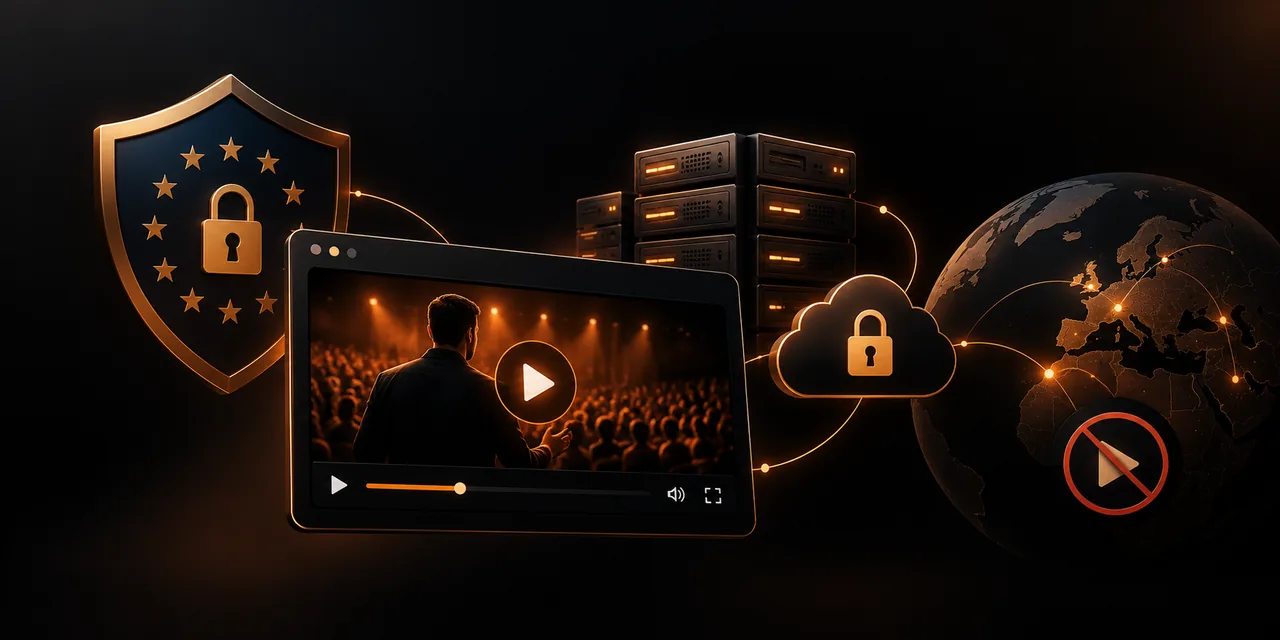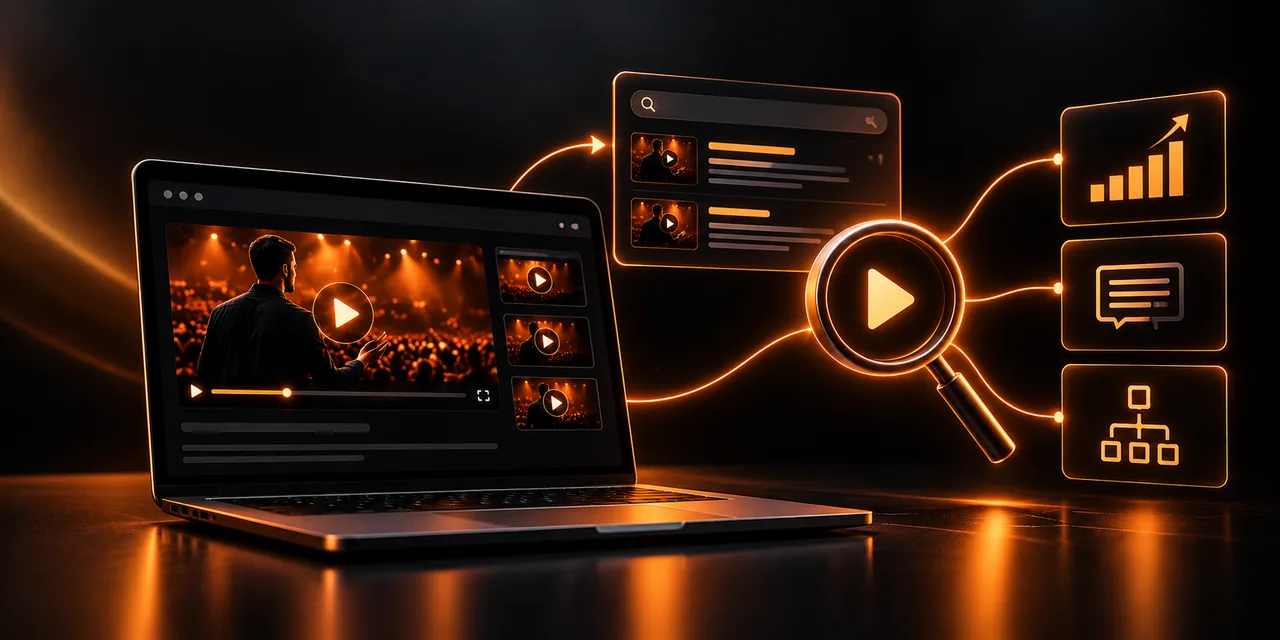
Video SEO is the set of actions that let Google and AI assistants find, understand, and show your videos. The essentials are to give each video its own indexable page, describe it with VideoObject structured data, accompany it with text (a transcript and captions), and make sure it loads quickly.
This guide explains what a video needs in order to appear in results, which fields to include in the VideoObject schema, how to implement it step by step, and why where you host the video decides who benefits from the traffic. A good video without that technical foundation is, for search engines, a black box.
What is video SEO, and why does it also matter for AI?
Search engines do not see video the way a person does. They read the page that contains it, the text around it, and the data you provide. If you do not give them that information, they cannot tell what the video is about or who it is for, and they leave it out of rich results.
Something similar happens with AI-generated summaries. These systems work mostly with text: a full transcript, a clear title, and a precise description let them cite your content with confidence. A video with no associated text barely exists for them, however good it is.
That is why video SEO rests on three pillars: structured data, text that accompanies the video, and a technically solid page.
What is VideoObject schema, and which fields should you include?
VideoObject is a schema.org structured data type that describes a video in a format search engines can read without ambiguity, usually written as JSON-LD inside the page. Google uses it to understand the video and, when it meets the requirements, to show it with a thumbnail, duration, or key moments in the results.
These are the most important fields, according to Google's developer documentation:
name. The video title. It should be descriptive and match what the page shows.
description. A faithful summary of the content, using the words your audience would use.
thumbnailUrl. The thumbnail address, which must be accessible to the crawler.
uploadDate. The publication date in ISO 8601 format, with a time zone.
contentUrl and embedUrl. The address of the video file or the player, so Google can find it and check that it plays.
duration. The duration in ISO 8601 format, for example PT8M30S for eight and a half minutes.
Clip and hasPart. Chapters or key moments, which allow direct jumps to each part.
Google requires at least the name, the thumbnail, and the upload date; the other fields increase your chances of appearing in rich formats.
How do you implement VideoObject step by step?
1. Create a page dedicated to the video, with a title, an introductory text, and the player visible without having to click or scroll very far.
2. Host the video on a platform that generates a stable player address and its own thumbnail that the crawler can load.
3. Write the JSON-LD block with the name, description, thumbnailUrl, uploadDate, duration, and contentUrl or embedUrl fields, and place it in the page code.
4. Check that the data matches what the person sees: the same title, the same duration, and the same date.
5. Validate the markup with Google's rich results test and fix any errors or warnings that appear.
6. Request indexing in Search Console and review the video indexing report a few days later.
If you publish many videos, generate the JSON-LD automatically from each video's data. Doing it by hand does not scale, and date or duration errors are common. In Search Console, review which pages are detected and which are not.
Why do transcripts and captions improve rankings?
A transcript turns the audio into indexable text. Everything you say in the video becomes part of the page content, with the exact questions and terms people search for. Captions also make the video accessible and understandable when it is watched without sound, as this guide on captions and accessibility explains.
Publish the transcript as visible text on the same page, not as an image or inside a downloadable file. Organize it with headings and short paragraphs, and add the video chapters as an index with internal links. Besides helping search engines, that structure improves the experience for people who prefer to read before they watch.
If you also load a caption file in the player itself, you meet accessibility guidelines and give AI systems another source of text associated with the video.
What should the thumbnail and the page that contains the video be like?
The thumbnail is the first thing a person sees in the results, and it decides whether they click. Choose a sharp image with good contrast that represents the content and is still clear at a small size. Avoid blurry frames, with the video paused mid-gesture.
The page should have a single main video, a clear heading, text that introduces it, and internal links to related content. If the video is embedded below a lot of text or loads only after an interaction, the crawler may not detect it. Place it in a prominent position and make sure the player loads with the page.
What is a video sitemap, and when should you use one?
A video sitemap is an XML file that lists pages with video and provides data for each one: title, description, thumbnail, content or player address, and duration. It is an additional way for Google to discover your videos, although it does not replace the markup on the page.
It is especially useful if you have a large library, if videos are added often, or if the player loads with code the crawler does not always interpret well. Submit it from Search Console and keep it updated when you publish or remove videos.
How do load speed and hosting affect this?
A heavy player slows the page, and a slow page ranks worse and loses visits before the video starts. What matters is that the player loads lightly and that the video is served from a distribution network with adaptive streaming, which adjusts quality to each person's connection.
One useful technique is to load the player lazily: show the thumbnail first and load the full player when the person clicks, so performance indicators (Core Web Vitals) are not hurt. Do check, though, that the crawler still detects the video on the page.
Where you host the video also decides who benefits from the traffic. If you publish it only on YouTube, the visit and the authority usually stay there, and Google may show the YouTube listing before your page. With your own video hosting platform, the page that ranks is yours. If your videos are on YouTube, you can plan a move off YouTube to your own hosting with an orderly plan.
With Atomic Player you host and play your videos on your own page, with a light player, and you keep the traffic and the measurement under your control.
What changes between an unoptimized video and an optimized one?
The difference shows up in visibility, in traffic, and in what you can measure afterward. This comparison summarizes what changes.
Aspect
Unoptimized video
Optimized video
Structured data
No markup; Google has to infer what it is about
Complete VideoObject in JSON-LD, validated
Associated text
Only the player, with no transcript or description
Visible transcript, captions, and chapters
Hosting and traffic
Hosted only on someone else's platform; the traffic stays there
Your own page with your own player; the traffic reaches your domain
Speed
A heavy player that slows the page
Light loading and adaptive streaming
When the video is optimized, you can also analyze what happens after the click with retention analytics and improve the content with real data, not only with intuition.
Frequently asked questions
What is video SEO?
It is the set of techniques that help Google and AI assistants find, understand, and show your videos. It includes structured data, transcripts, thumbnails, a video sitemap, and solid page performance.
What is VideoObject schema?
It is a schema.org structured data type that describes a video with fields such as title, description, thumbnail, upload date, and duration. It is usually written in JSON-LD and lets Google show the video with rich results.
Do I need a transcript to rank a video?
It is not required, but it helps a lot. It turns the audio into indexable text, increases the keywords covered, and makes it easier for AI systems to cite your content.
Is it better to host the video on YouTube or on your own platform?
It depends on the goal. YouTube gives reach, but the traffic and the authority usually stay there. Your own hosting makes the page that ranks, and the visit, yours, and it gives you more control over the player and the data.
Do I need a video sitemap?
Not always, but it is very useful with large libraries or with videos that are added often. It helps Google discover your videos, although it does not replace the VideoObject markup on each page.
Make your video findable and citable
Video SEO comes down to giving the search engine what it needs: your own page, structured data, associated text, and a fast player. With that foundation, your videos can appear in Google and serve as a source for AI, and the traffic ends up on your domain.
Try Atomic Player and host your videos where the traffic and the data are yours.
If you read nothing else
- Give each video its own indexable page, VideoObject structured data, and visible text such as a transcript.
- Google requires at least name, thumbnail, and upload date; extra fields improve rich-result chances.
- Transcripts and captions turn speech into indexable text that AI systems can cite.
- Hosting on your own page with Atomic Player keeps the traffic on your domain instead of on YouTube.
Atomicat Team
The team behind AtomicPlayer — writing about video conversion, retention, and the infrastructure that makes both measurable.