The video lesson is the product your students consume
When you decide to sell courses online, the quality of your video lesson is your product. It does not matter how good your marketing is, how beautiful your sales page is, or how easy the payment process is. If your video lessons are boring, too long, or poorly structured, your students will stop watching, request refunds, and leave negative reviews that will sink your future sales. Student retention starts with the quality of every minute of video.
A video lesson that retains is not simply a recorded class on video. It is an audiovisual product designed with pedagogical intent: with a pace that maintains attention, a structure that facilitates learning, and a duration that respects the student's time and concentration capacity.
Optimal length per module: less is more
Research on online learning shows that student attention begins to decline significantly after 10 to 15 minutes of continuous video. This does not mean you cannot have longer modules, but it does mean each module should cover a single concept or skill, and if the topic requires more than 15 minutes, it should be divided into submodules with natural pause points.
For your online course platform, this means rethinking your content structure. Instead of a 60-minute video lesson covering a complete topic, create four 15-minute video lessons, each focused on a specific subtopic. The student can consume one during a coffee break, another on the train, and another before bed. Flexibility in consumption increases course completion rate.
Pace: the key to maintaining attention
The pace of your video lesson is the speed at which you present new information, alternate between concepts, and change visual stimulus. A pace that is too slow bores. A pace that is too fast overwhelms. The right pace keeps the student in a state of active attention where they absorb information without feeling excessive effort.
Techniques to maintain good pace include: changing visual stimulus every 30 to 60 seconds (alternating between your face, slides, demonstrations, and graphics), asking rhetorical questions that activate the student's thinking, including brief summaries of what was learned every 5 minutes, and using clear visual transitions between sections. Each of these changes re-engages the student's attention and avoids the "background voice" effect that occurs when stimulus is monotonous.
Navigable chapters: the index of your video lesson
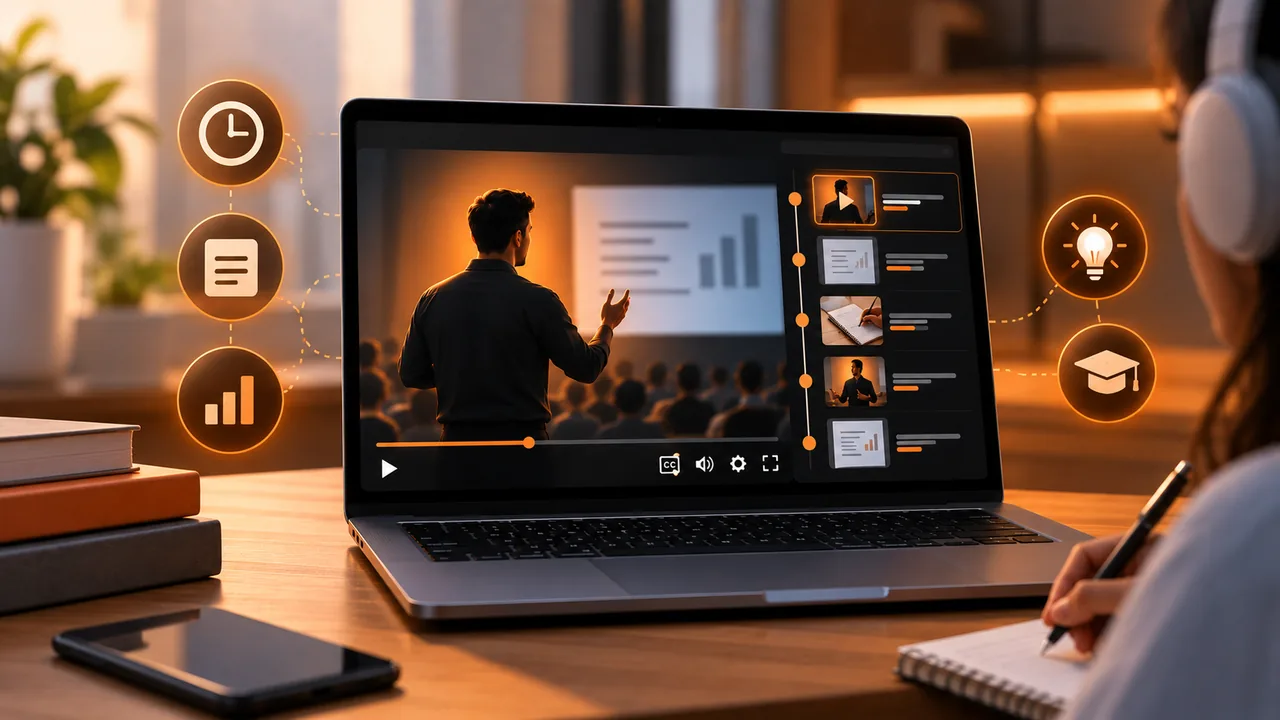
Navigable chapters let the student jump directly to the section of the video lesson that interests them. In educational video, this is fundamental: a student who already masters the introduction wants to go straight to the practical example. A student who needs to review a concept wants to find it without watching the entire video from the beginning.
Chapters also give you valuable data about student behavior. If you see that most of your students jump directly to chapter 3 of a lesson, that tells you chapters 1 and 2 are perceived as dispensable. You can use this information to restructure content and ensure each section provides enough value to be watched.
Integrating the learning experience with sales
The quality of your video lessons is the most powerful sales argument for selling courses online. A satisfied student is a student who recommends, leaves positive reviews, and buys your next course. Your sales page built with Atomicat can include excerpts from your video lessons as previews so potential buyers see the quality before deciding.
The purchase process through AtomicPay should give immediate access to the members area after payment. Every second between payment and access to the first video is a second of anxiety that reduces student satisfaction. Immediacy is part of the product experience.
Common mistakes in video lessons
The most common mistake is confusing duration with depth. A longer video is not a more complete video; often it is a video with more filler. Every minute of your video lesson should provide new information or reinforce a key concept. If a concept can be explained in three minutes, dedicating ten does not make it clearer; it makes it more boring.
The second mistake is not editing. Pauses, filler words, repetitions, and recording errors that are not removed in editing convey lack of professionalism and unnecessarily lengthen the video lesson. Editing is not removing valuable content; it is removing everything that is not valuable content.
Video lesson format: on camera vs screencast vs mixed
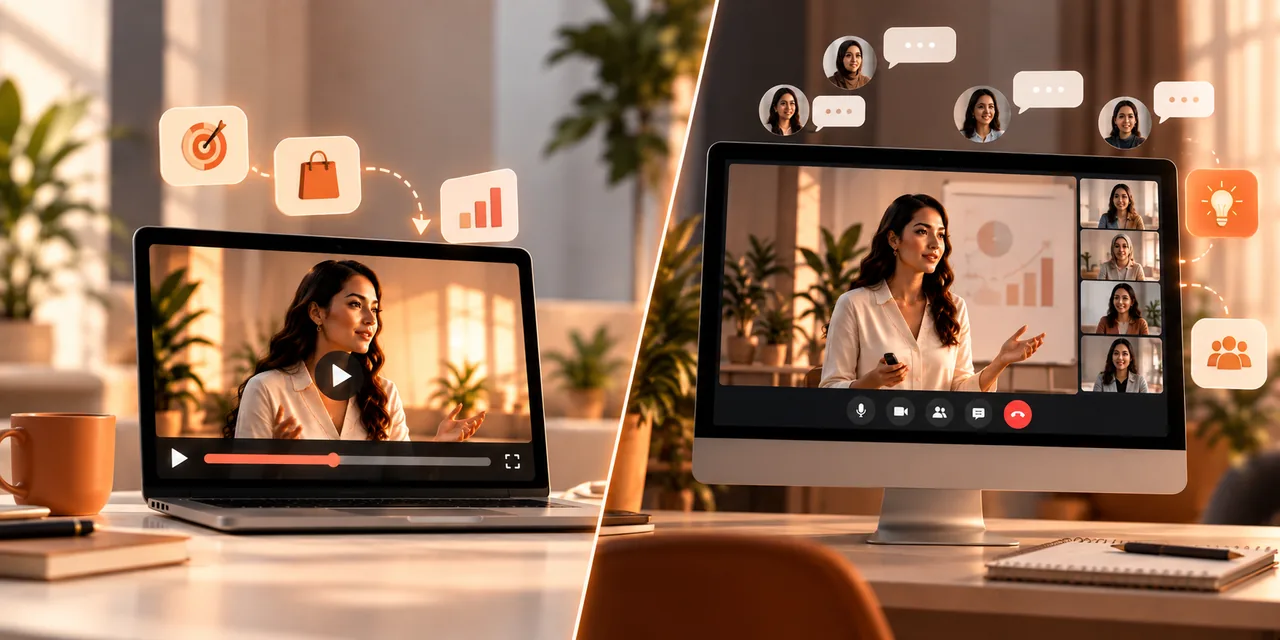
The visual format of your video lesson directly affects student retention. Theory or motivation lessons work better on camera, where the student can connect emotionally with the instructor. Practical lessons (software demonstrations, step-by-step processes, data analysis) work better in screencast format, where the student sees exactly what the instructor is doing. And lessons that combine both formats (conceptual explanation followed by practical demonstration) usually have the best retention and completion rates.
To sell courses online successfully, variety of formats within the course is a quality factor students value. A course where all lessons are on camera with slides feels monotonous. A course where all lessons are screencasts without the instructor's face feels impersonal. Alternating between formats maintains freshness and attention throughout the entire program.
Interactivity within the video lesson
The most effective video lessons are not passive experiences. They include interaction moments where the student must do something: answer a question, complete an exercise, reflect on a situation, or make a decision. These interactive moments break the passivity of video consumption and activate deep learning. The student who participates actively retains more information than the one who only watches.
Reflection pauses are the simplest form of interactivity. At a key moment in the video lesson, the instructor says "Before continuing, I want you to think about how you would apply this to your situation. Pause the video and write down your answer." This simple instruction transforms the viewing experience from passive to active. And viewing data from the video player will show you whether students actually pause (a spike in pauses at that moment) or ignore it (continuous playback without interruption).
Efficient production of quality video lessons
Producing high-quality video lessons efficiently requires a standardized process. Define a template structure for each lesson type (theory, practice, case study) that includes target duration per section, necessary visual elements, and interaction points with the student. This template lets you produce consistent content without reinventing structure each time, which speeds production and maintains homogeneous quality across your entire online course platform.
Record in batches instead of one lesson at a time. Dedicate a full day to recording multiple video lessons with the same camera, lighting, and audio setup. This reduces preparation time per lesson and guarantees consistent visual appearance across the entire course. After recording, edit in batches: first all cuts, then all transitions, then all graphics. This industrial production workflow is what allows prolific creators to maintain a constant publishing pace without sacrificing the quality of each video lesson.
Invest in a good microphone before a good camera. Audio quality is more important than video quality for student retention. A video with medium image quality but crystal-clear audio is perceived as professional. A video with 4K image but echo, background noise, or distant audio is perceived as amateur. To sell courses online successfully, flawless audio is the investment with the highest return per euro spent on production equipment.
Conclusion: design each video lesson as a product
Every video lesson on your online course platform is a product in itself. It deserves the same design attention, pedagogical intent, and quality standards as your sales page or marketing strategy. Pace, chapters, and duration are not details; they are the variables that determine whether your student completes the course, recommends your academy, and buys your next product. Invest in the quality of every minute of video and the results will show in student satisfaction, completion rate, and long-term sales. To sell courses online successfully, first you must create a course worth watching to the end.
If you read nothing else
- Student attention drops after 10–15 minutes — split into single-concept modules.
- Change visual stimulus every 30–60 seconds to avoid background-voice effect.
- Navigable chapters reveal which sections students skip or rewatch.
- Invest in microphone before camera — flawless audio retains more than 4K.
Atomicat Team
The team behind AtomicPlayer — writing about video conversion, retention, and the infrastructure that makes both measurable.