The player dilemma in your members area
When you build a members area to sell educational content, one of the most important decisions is how you will deliver video to your students. Most online course platforms include a built-in video player that works "well enough." But "well enough" is not always enough when your business depends on viewing experience, content protection, and the consumption data you collect.
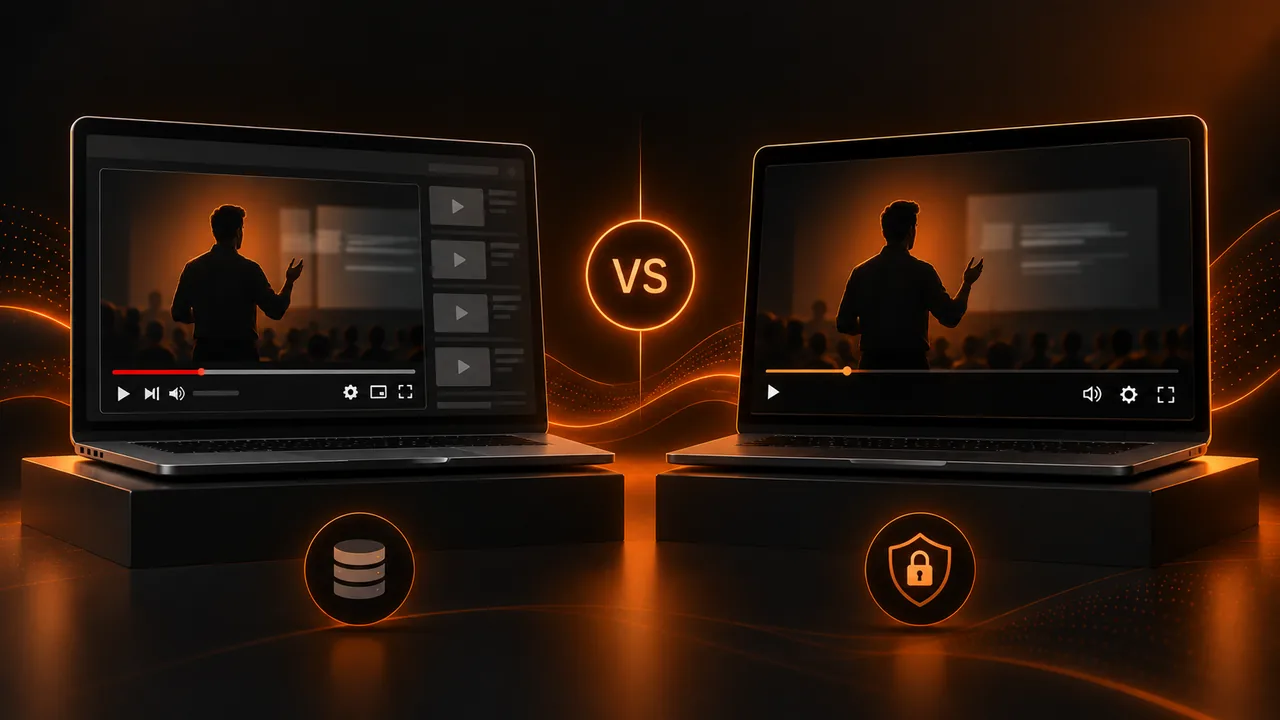
A dedicated video player is a specialized tool that integrates into your members area to replace the platform's native player. It offers advanced features like dynamic watermarking, viewing heatmaps, granular playback experience control, and video hosting optimized for speed. The question is not whether a dedicated player is better (it is), but whether the improvement justifies the investment and additional integration complexity.
What the platform's native player offers
Major online course platforms include a basic player that covers essential functions: play video, adjust playback speed, show subtitles, and control volume. Some offer their own video hosting, while others depend on YouTube or Vimeo integrations to host content.
The advantage of the native player is simplicity. Nothing to configure, no integrations to maintain, and a unified experience within the platform. If your members area has few video lessons and your priority is launch speed, the native player may be the right choice to start.
However, simplicity has a cost. Native players usually offer very limited viewing data (or none), do not include piracy protection, and offer little or no visual customization. If you use YouTube for video hosting, you also risk the viewer seeing ads or recommendations for content that competes directly with yours.
What a dedicated video player offers
Dedicated video hosting means your videos are served from servers optimized for streaming, with adaptive quality that automatically adjusts resolution based on the student's connection speed. This ensures smooth playback even on slow connections, without the buffering problems that can occur with generic hosting solutions.
When it is worth switching to a dedicated player
Switching to a dedicated video player is worth it when at least one of these conditions is met. First, your content has high value and you need to protect it from piracy. Second, you need detailed consumption data to improve your content and personalize the learning experience. Third, your brand needs a professional visual experience without third-party logos or distractions. Fourth, your students complain about playback problems with the native player.
If your online course platform sells courses at €500 or €1,000 and has hundreds of students, content protection alone justifies investing in a dedicated player. If your business depends on student retention and continuous content improvement, the viewing data an advanced player provides is invaluable.
Integration between player, platform, and payments
Smooth integration between the video player, members area, and payment system is critical. When a student buys a course through your sales page built with Atomicat and pays through AtomicPay, access to content in the members area must activate automatically. And when the student accesses content, the dedicated video player must recognize them, apply their watermark, and record their viewing activity.
Any break in this integration chain creates friction, technical support, and frustration. A student who pays and cannot access content, or who accesses but the video does not load, is a student who loses trust in your platform. Investment in integration pays off in fewer incidents and better student experience.
Hidden costs of each option
The online course platform's native player seems free, but has hidden costs. If it hosts video on YouTube, you lose control over the experience and expose your students to ads or competitor content. If it hosts on Vimeo, you pay a monthly Vimeo subscription that can grow significantly with content volume. And in both cases, you lose the ability to collect detailed viewing data that a dedicated video player would provide.
A dedicated player like AtomicPlayer has an explicit monthly cost, but that cost includes optimized video hosting, advanced analytics, content protection, and brand customization. When you add up the hidden costs of the native player (Vimeo, undetected piracy, content decisions made blind due to lack of data), the dedicated player is usually more cost-effective from a modest volume of content and students.
Migrating from one player to another: planning and risks
If you decide to migrate from the native player to a dedicated one (or vice versa), plan the transition carefully. Students in the middle of a course should experience no interruption. Ideally, migrate module by module, starting with new content and gradually migrating existing content. This way, if a technical problem arises, it affects a limited portion of content, not your entire library.
Communicate the change to your students in advance, highlighting the improvements they will experience: better video quality, faster loading, navigable chapters, automatic subtitles. Video player migration is an opportunity to improve perception of your platform if you communicate it correctly. What the student should perceive is an improvement, not an internal technology change that does not affect them.
Scalability: what happens when your academy grows
When your members area goes from 50 to 500 students, the limitations of the platform's native video player become evident. Streaming quality can degrade with many concurrent users if the platform does not scale well. Viewing data, if it exists, becomes hard to manage without proper analytics tools. And content protection becomes more urgent because piracy risk increases with the number of students.
A dedicated video player is designed to scale. Its video hosting infrastructure automatically adapts to the number of concurrent viewers. Its analytics tools process large volumes of viewing data without losing granularity. And its protection system works the same with 10 students as with 10,000. Planning for growth from the start saves you the forced (and costly) migration you will have to make if you choose a player that does not scale and your online course platform succeeds.
Also consider technical support at scale. With 50 students, you can resolve each playback problem individually. With 500, problems need to be the exception, not the norm. A dedicated player with professional CDN, optimized transcoding, and multi-platform compatibility drastically reduces playback incidents, which in turn reduces support load and improves perceived quality of your members area.
Conclusion: choose based on your stage and ambition
If you are starting and your priority is launching fast with minimum complexity, your online course platform's native player is a reasonable option. But if your business grows, your content increases in value, and your protection and analytics needs become more sophisticated, migrating to a dedicated video player is an investment that pays for itself. Your members area is where your students consume the content they paid for. Every detail of that experience reinforces or weakens the perceived value of your product. The video hosting and player you choose define that experience.
If you read nothing else
- The native player is simple but limits data, protection, and visual customization.
- A dedicated player offers watermarking, heatmaps, and hosting optimized for streaming.
- Migrate when content has high value, you need data, or students report playback issues.
- Player + Atomicat + AtomicPay integration must be seamless end to end.
Atomicat Team
The team behind AtomicPlayer — writing about video conversion, retention, and the infrastructure that makes both measurable.