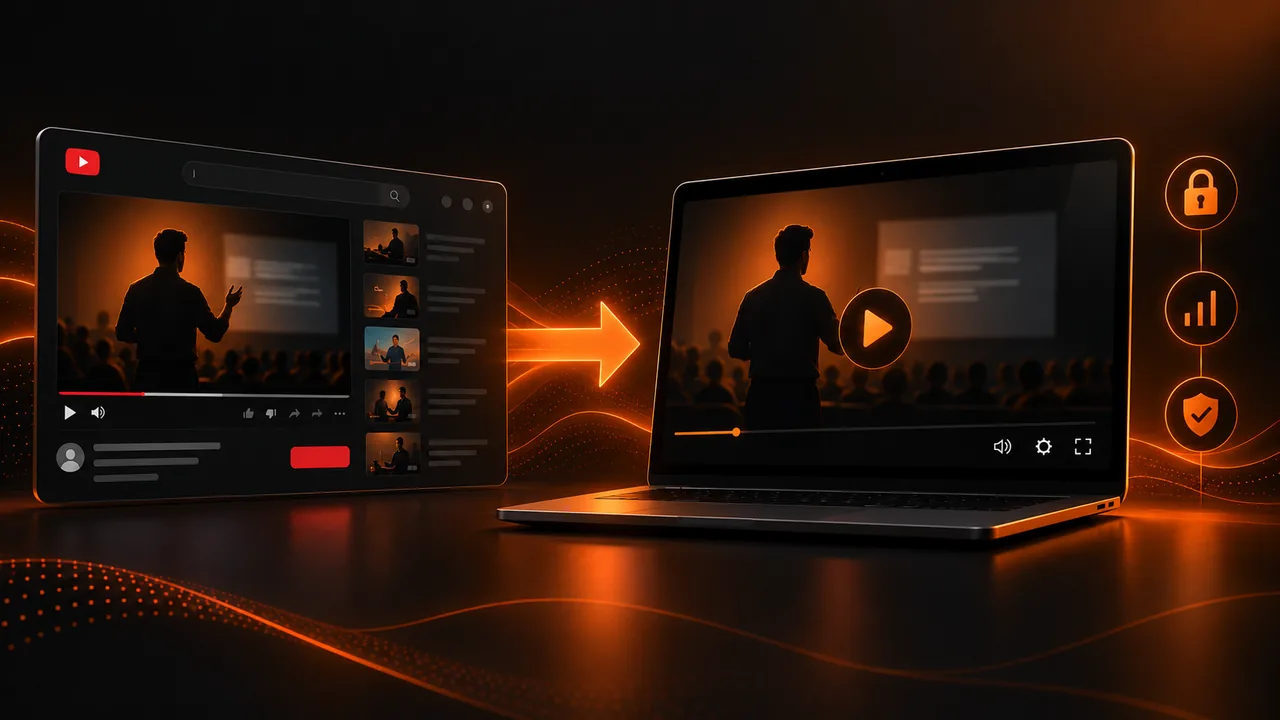
Why so many creators are considering leaving YouTube
YouTube is the world's largest video platform, and for years it has been the default option for hosting any type of video content. But more and more educational content creators, course sellers, and digital businesses are considering uploading video to their own website instead of depending on YouTube. The reasons are multiple: ads that interrupt the student experience, competitor video recommendations, lack of control over viewing data, and vulnerability to platform policy changes.
However, leaving YouTube is not a trivial decision. YouTube offers considerable advantages: free unlimited video hosting, a global CDN that guarantees load speed in any country, automatic transcoding to multiple resolutions, and a video player that works on practically any device. Giving all of this up has a cost you must evaluate before making the decision.
What you gain by migrating to your own video hosting
The first gain is total control over the experience. When you host your video on a dedicated service like AtomicPlayer, you decide exactly what the viewer sees: no ads, no external recommendations, no YouTube logos, and no distractions. Your video, your brand, your experience. For paid content (courses, memberships, premium video lessons), this visual cleanliness is fundamental to justifying the price.
The second gain is data. YouTube offers basic analytics (views, watch time, retention), but professional video hosting gives you much more granular data: per-user viewing heatmaps, rewind points, completion rates per lesson, and correlation between viewing and subsequent engagement. This data lets you improve your content systematically.
The third gain is protection. YouTube videos can be downloaded easily with third-party tools. Dedicated video hosting with DRM, dynamic watermarking, and download restrictions significantly hinders piracy of your premium content.
What breaks when you leave YouTube
The first thing you lose is organic visibility. YouTube is a search engine that sends free traffic to your content. If your marketing strategy depends on new customers discovering you through YouTube searches, migrating all your content off the platform will eliminate that traffic source. The solution is to keep free content on YouTube to attract traffic and host premium content on your own online course platform.
The second thing you lose is free CDN infrastructure. Uploading video to your own website means paying for storage and streaming bandwidth. Depending on content volume and number of students, this can represent a significant monthly cost. However, compared to revenue from a well-sold premium course, hosting cost is generally a small fraction.
The third thing you lose is simplicity. With YouTube, you upload the video and it works. With professional hosting, you need to configure the player, manage integration with your members area, optimize delivery, and monitor performance. It is more work, but it is work that gives you more control and better results.
The hybrid strategy: the best of both worlds
Most successful businesses that sell educational content use a hybrid strategy. They maintain a YouTube channel with free content that acts as a capture funnel. That free content drives traffic to their sales page built with Atomicat, where they sell access to premium content. Premium content is hosted on a dedicated service like AtomicPlayer, protected and optimized for the best learning experience.
This strategy lets you leverage YouTube's free visibility to attract audience while protecting and monetizing your best content on your own online course platform. Payment is managed through AtomicPay, and access to premium content activates automatically after payment. The result is an ecosystem where each piece fulfills its function without compromising the others.
How to plan migration without losing students
If you decide to migrate existing content from YouTube to your own hosting, do it gradually. Do not delete your YouTube videos overnight. Start hosting new content on your platform while keeping existing content on YouTube. Communicate the change to your students in advance and explain the advantages (no ads, better quality, exclusive complementary material). Give the process time and monitor engagement metrics during the transition.
To upload video to the web professionally you need a clear workflow: produce the video, optimize it for web streaming (resolution, format, bitrate), upload it to the hosting service, configure metadata and video player controls, and verify playback on different devices and connection speeds. Automate what you can and document the process so it is repeatable.
Real costs of self-hosted video
Self-hosted video cost depends on three factors: storage space (how many gigabytes of video you host), streaming bandwidth (how many gigabytes of video are played each month), and additional services (transcoding, CDN, analytics). For an online academy with 50 hours of content and 500 active students, monthly cost can range from €50 to €200 depending on the provider. For a platform with 500 hours of content and 5,000 students, cost rises proportionally.
Compare these costs with the revenue your content generates. If a student pays €200 for your course, video hosting cost per student is an insignificant fraction of revenue. If a subscriber pays €30 per month, monthly hosting cost per subscriber is even smaller. The economic equation of self-hosted video is clearly favorable for most businesses that sell paid educational content.
Video SEO: what you lose and what you keep
Videos hosted on YouTube benefit from organic ranking on the world's second-largest search engine. Videos hosted on your own website can rank in Google Video Search, but compete under less favorable conditions. For your free marketing content, YouTube remains the optimal platform for its discovery capability. For paid content, ranking is not relevant because you do not want anyone to find it; you want only your paying students to find it within your online course platform.
The correct SEO strategy for uploading video to the web is to keep free content optimized for search on YouTube and host premium content on your own infrastructure without worrying about organic ranking. Free content attracts traffic, traffic reaches your sales page, and the sales page converts the visitor into a student. Premium content does not need to be found by search engines; it needs to be accessible, fast, and protected within your members area.
Technical preparation to host your own video
Before uploading video to your own website, you need to prepare your content for streaming delivery. This includes transcoding each video to multiple resolutions (480p, 720p, 1080p minimum) so the video player can adapt quality to the viewer's connection speed. It also includes generating HLS or DASH files that enable adaptive playback (video changes quality in real time without interrupting playback) and optimizing video metadata for fast loading.
If this technical process seems overwhelming, the good news is that video hosting services like AtomicPlayer manage all this complexity for you. You upload the original high-quality video and the service handles transcoding, storage, and serving multiple versions automatically. All you need to do is copy the player embed code into your online course platform and the video is ready for your students. The technical transition from YouTube to self-hosted video is much simpler than it seems when you use the right tools.
Conclusion: YouTube is a channel, not a home
YouTube is an extraordinary tool for distributing free content and building audience. But it is not where you should host the content your students pay for. Your premium content deserves a professional video player, secure video hosting, and a clean, controlled viewing experience. Leave YouTube for your paid content, but do not leave YouTube for your marketing. Use each platform for what it does best and build a system where free content feeds sales and sales fund better content. That is the strategy that scales.
If you read nothing else
- YouTube offers free CDN and discovery; self-hosting gives control, granular data, and DRM protection.
- Hybrid strategy: free content on YouTube, premium on protected AtomicPlayer.
- Migrate gradually — do not delete videos overnight or interrupt active students.
- Hosting cost is an insignificant fraction compared to paid course revenue.
Atomicat Team
The team behind AtomicPlayer — writing about video conversion, retention, and the infrastructure that makes both measurable.