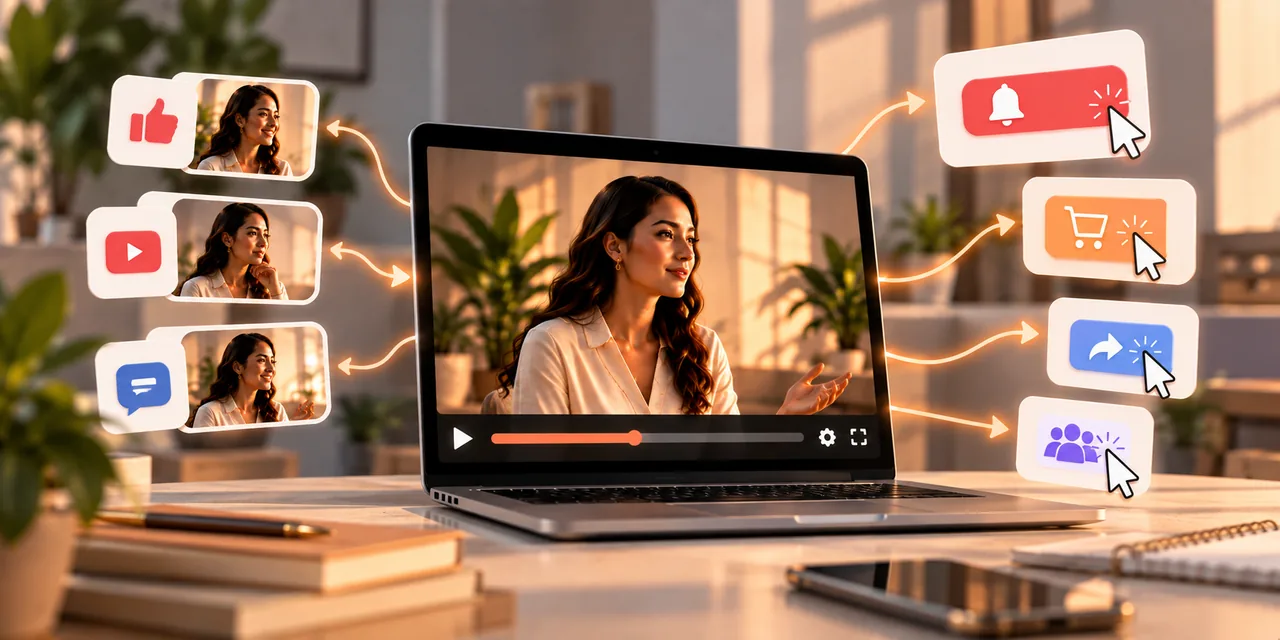
Interactive video marketing turns passive watching into a two-way experience. Instead of just watching, viewers can click, choose their own path, answer questions, or even buy a product without leaving the video. That active involvement holds attention longer, sticks in memory better, and hands you clear data about what each viewer actually wants.
This guide explains what interactive video marketing is, the main formats you can use, the benefits it delivers, and how to get started without a big production budget. If your regular videos get watched but rarely acted on, adding interaction is one of the most direct ways to change that.
What is interactive video marketing?
Interactive video marketing is any video that invites the viewer to do something inside the player, rather than sit back and watch a fixed clip from start to finish. The video responds to their choices, which turns a one-way broadcast into a conversation.
A standard video plays the same way for everyone. An interactive video changes based on what the viewer clicks, taps, or answers. They might pick which product to see next, jump to the chapter they care about, or add an item to a cart in the middle of a demo. Each of those actions keeps them engaged and tells you something useful about their interest, which is why marketers reach for interaction when they want a video to do more than build awareness.
The shift matters because attention has become harder to hold. People scroll quickly and give any single video only a few seconds to prove itself. Interaction fights that by giving the viewer a reason to stay involved rather than drift to the next thing. When someone is making choices inside your video, they are participating, not just half-watching, and that participation is what turns a forgettable clip into an experience they remember and act on.
What are the main interactive video formats?
There are several ways to make a video interactive, and each suits a different goal. You can use one on its own or combine a few in the same video.
Shoppable hotspots. Clickable tags appear over items in the video, so a viewer can see product details or add something straight to a cart. This shortens the path from wanting to buying.
Branching narratives. Viewers choose their own path or answer prompts that change how the story or demo unfolds. Our guide on branching video covers this format in detail.
In-video quizzes and polls. Questions appear on screen to gather feedback, test knowledge, or recommend a product based on the answers. This turns a video into a small recommendation engine.
Clickable chapters. A menu built into the player lets viewers skip straight to the topic they care about, which respects their time and keeps them watching the parts that matter to them.
Why is interactive video more engaging?
The reason is simple: people pay more attention when they have something to do. A video that asks for a choice pulls the viewer out of passive mode and into active participation, and active viewers stay longer.
Interaction also creates small moments of investment. Once a viewer has answered a question or chosen a path, they are more curious about the result, so they keep watching to see it. That curiosity is hard to build with a fixed video. On top of holding attention, interaction makes the content feel personal, since the viewer is shaping what they see rather than receiving the same message as everyone else. Personal experiences are more memorable, which means your message lingers after the video ends.
How does interactive video improve conversions?
Engagement is nice, but conversions are the point for most marketers. Interactive video helps here by removing friction between interest and action.
When a viewer can act inside the video, you do not have to hope they remember to visit a link later. They can click to buy, book, or sign up at the exact moment they feel convinced, while their attention is highest. That immediacy tends to lift click-through and purchase rates compared with a video that sends people off to find a separate page. Interactive elements also let you match the offer to the viewer, so someone who answered that they run a small business sees an offer built for small businesses, which converts better than a generic pitch. To measure the effect, track your video conversion rate before and after adding interaction.
What data does interactive video give you?
One of the quietest advantages of interactive video is the data it produces. Every click and choice is a signal about what a viewer actually wants, and that data is yours.
A standard video tells you how many people watched and roughly how far. An interactive video tells you which options people chose, which products they clicked, and where their interest really sat. That is first-party data, gathered directly from your audience rather than bought from a third party, which makes it both reliable and privacy-friendly. You can use it to shape future campaigns, refine your offers, and understand your audience in a way plain view counts never allow. Over time, this feedback loop makes each video smarter than the last.
Where can you use interactive video in marketing?
Interactive video fits more places than you might expect, from the top of your funnel to the moment of purchase. Matching the format to the stage is what makes it effective.
Near the top, quizzes and polls can capture interest and segment new visitors by their needs. In the middle, branching product tours let people explore the features they care about, which is more persuasive than a fixed overview. Near the bottom, shoppable hotspots and in-video calls to action turn attention into a sale without a detour. Interactive video also works well on a focused landing page, where a single engaging video can carry much of the persuasion the page needs. Embedding it there pairs the pulling power of video with the focus of a page built to convert.
How do you get started with interactive video?
You do not need a film crew or a huge budget to begin. The smartest first step is to add one interactive element to a video you already have, then learn from the result. This keeps your risk low, since you are improving proven content rather than betting on something new, and it lets you see the effect of interaction in isolation before you invest more.
Start with a clear goal, such as capturing a lead or driving a click, and pick the one format that serves it, whether that is a poll, a chapter menu, or a shoppable tag. Keep the interaction simple, since one clear choice beats five confusing ones. Use a video tool that supports interaction and clear calls to action, like Atomic Player, so you can add these elements without custom development. Then watch the data, see what viewers actually do, and build your next video around what you learn. Small, tested steps will teach you more than an elaborate first attempt.
What mistakes should you avoid with interactive video?
Interactive video is powerful, but it is easy to overdo. A few common mistakes turn a promising idea into a frustrating experience, so it helps to know them before you start.
The first is adding interaction for its own sake. If a click or a choice does not serve the viewer or your goal, it is just a distraction, so every interactive element should earn its place. The second is offering too many options at once, which overwhelms people and stalls them. Keep choices few and clear. The third is hiding the value behind the interaction, so viewers have to work before they get anything useful. Give first, then ask. And the fourth is forgetting to measure, since the data is half the reason to use interactive video in the first place. Avoid these and your interaction will feel helpful rather than gimmicky.
It also pays to keep the experience smooth on mobile, where much of your audience watches. Buttons need to be large enough to tap with a thumb, and the video needs to play without stalling as the interaction loads. Testing on a real phone before you publish catches the small problems that would otherwise cost you the very engagement you are trying to build.
Frequently asked questions
What is interactive video marketing?
It is video that invites viewers to click, choose, answer, or buy inside the player, turning passive watching into an active experience that boosts engagement and gives you data.
How does interactive video increase conversions?
It lets viewers act at the moment of interest, removes the detour to a separate page, and can tailor the offer to each viewer, which lifts click-through and purchase rates.
What are examples of interactive video?
Shoppable hotspots, branching stories, in-video quizzes and polls, and clickable chapter menus are the most common formats used in marketing.
Do I need a big budget for interactive video?
No. You can start by adding one simple interactive element to an existing video using a player that supports it, then expand based on results.
What data does interactive video collect?
It records the clicks and choices viewers make, giving you first-party data on what they want, which you can use to refine offers and future campaigns.
Turn viewers into participants
Interactive video marketing works because it gives people something to do, and active viewers pay more attention, remember more, and act more. Start with one simple interaction, learn from what viewers choose, and build from there.
Start your trial and host videos that stream smoothly, no technical setup required.
If you read nothing else
- Interactive video marketing turns viewers into participants with clicks, choices, and in-video actions.
- Branching, quizzes, hotspots, and shoppable CTAs work when they help the viewer decide — not when they distract.
- First-party interaction data shows what people want before they buy.
- Start simple: one clear interaction tied to a conversion goal, then expand with analytics.
Atomicat Team
The team behind AtomicPlayer — writing about video conversion, retention, and the infrastructure that makes both measurable.